How can I connect my payment info via Plaid?
Last updated: May 19, 2026
Connecting via Plaid
Navigate to app.noto.nyc/member-portal and log in using Google SSO or password/verification code.
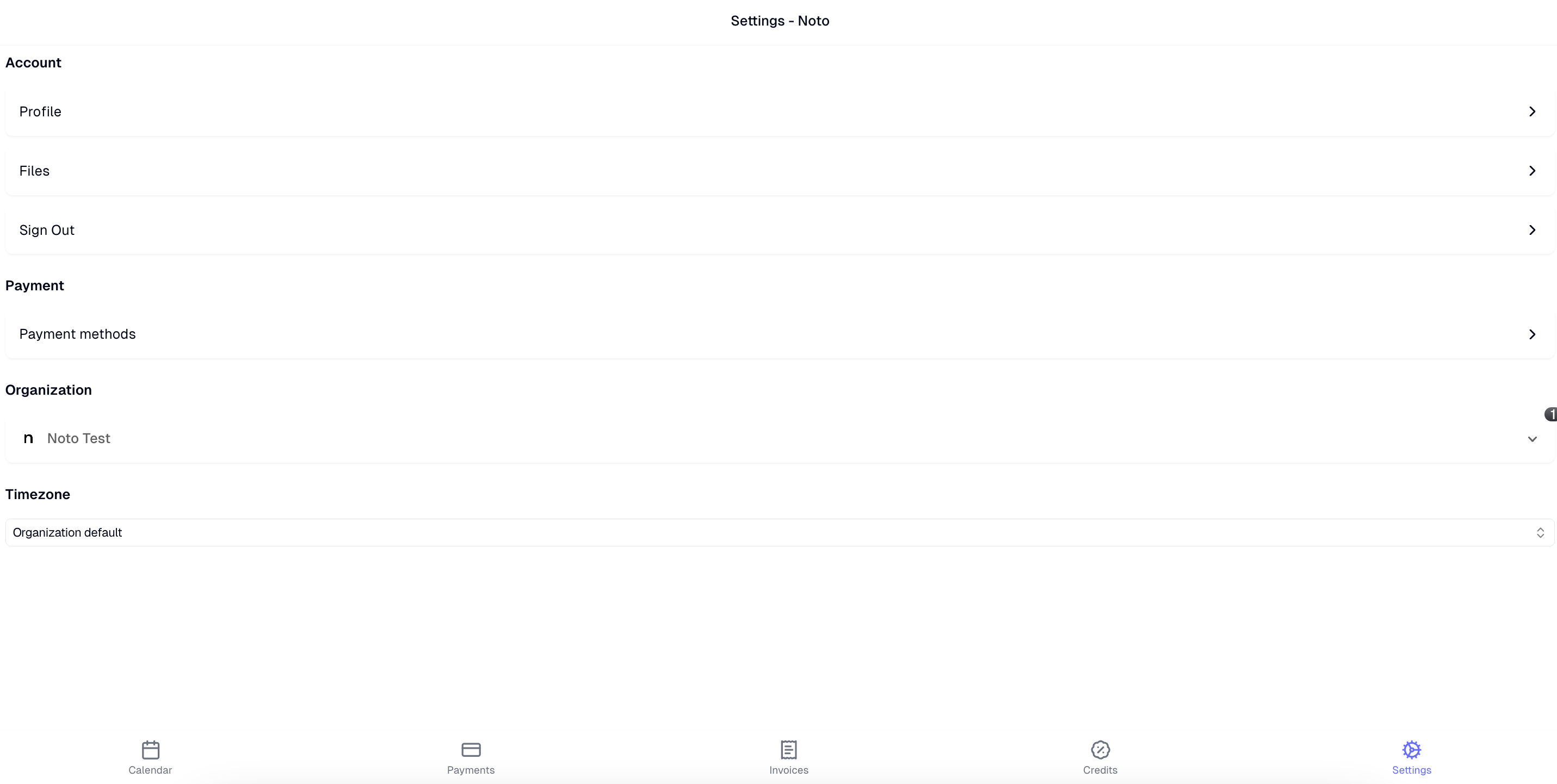
Click Settings -> Payment methods
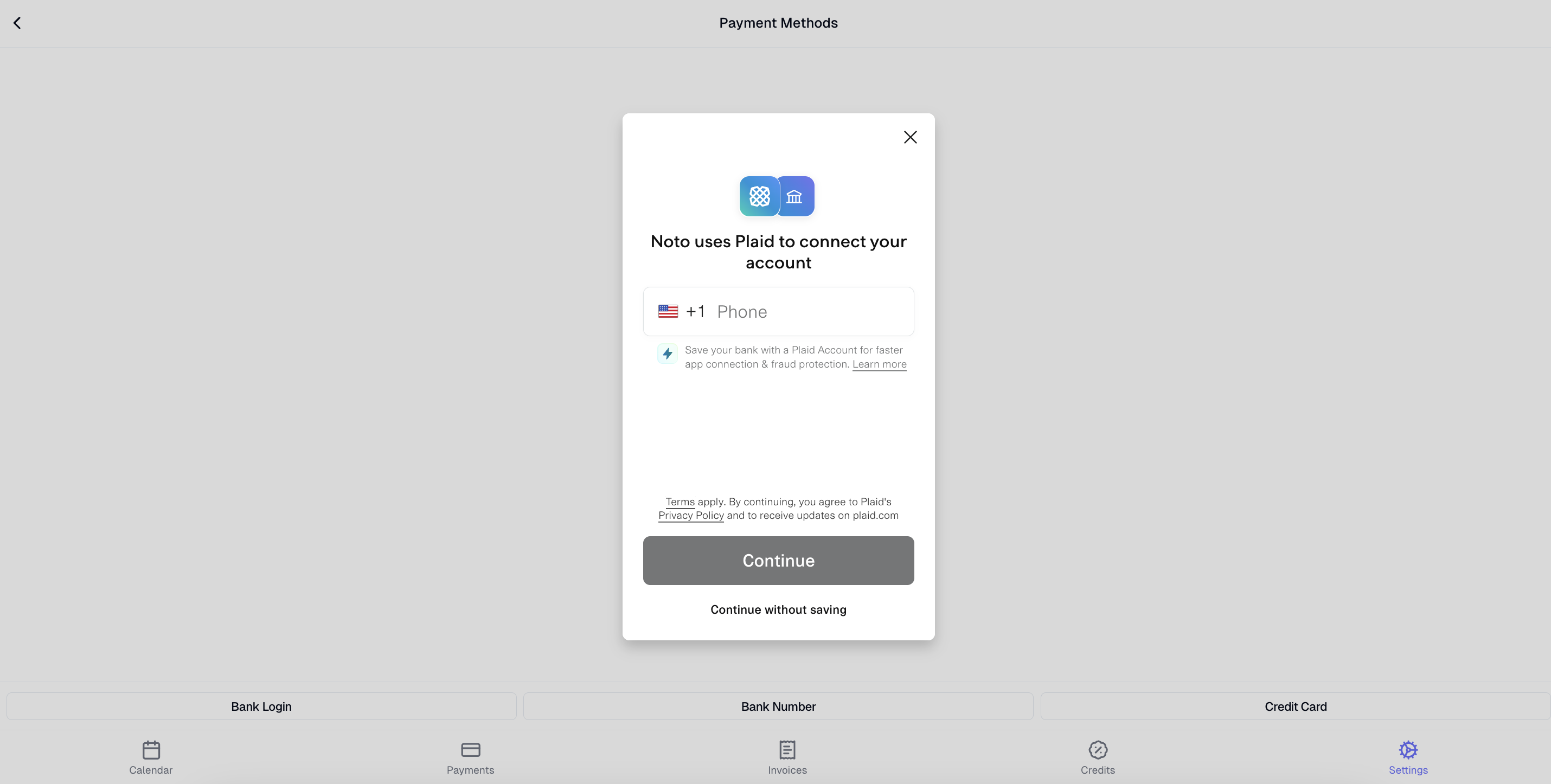
Click "Bank Login" and follow the instructions to link your account.
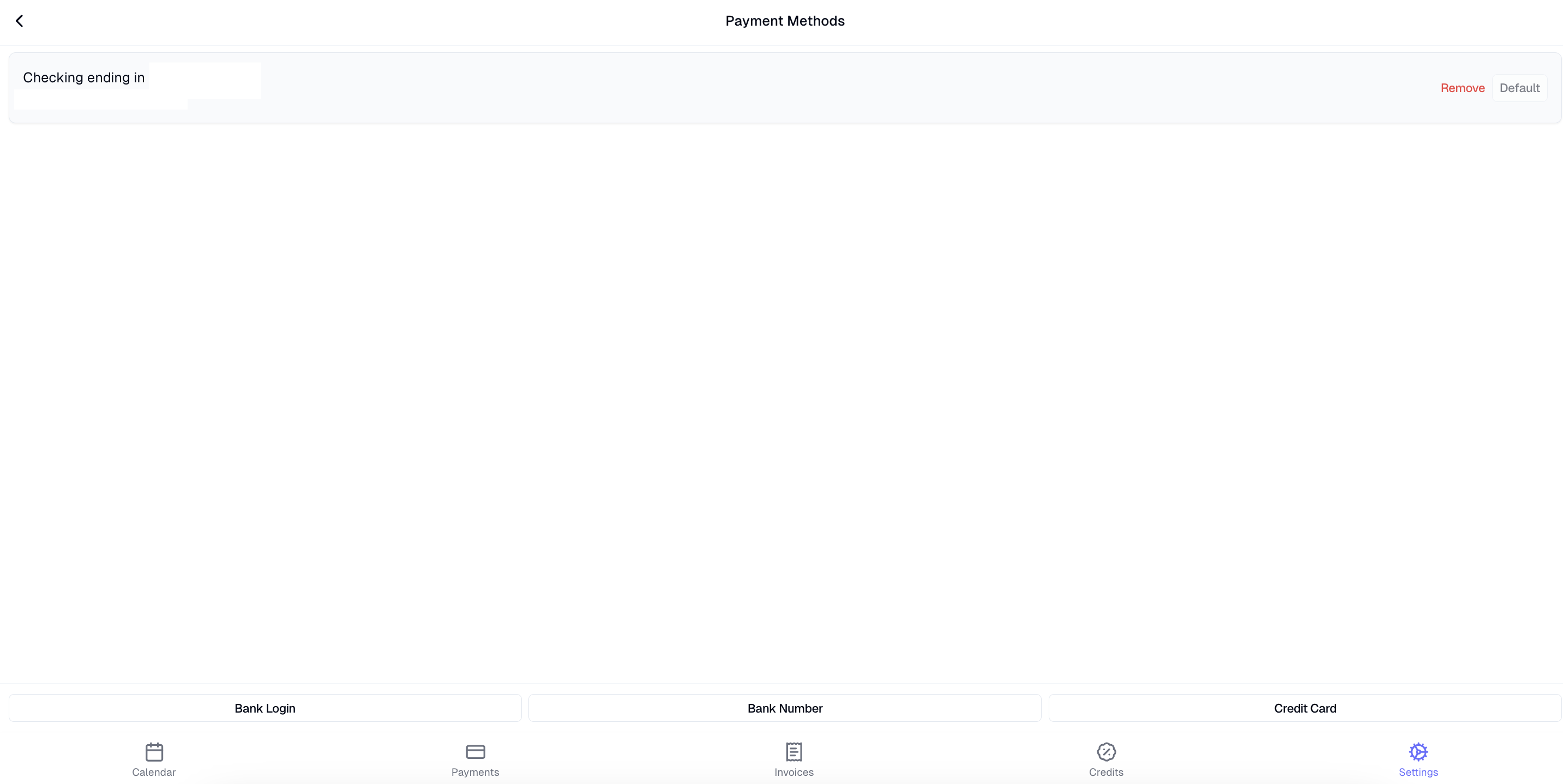
If successfully linked, you should see your payment method populate.