How do I add a different payment method for a customer?
Last updated: May 19, 2026
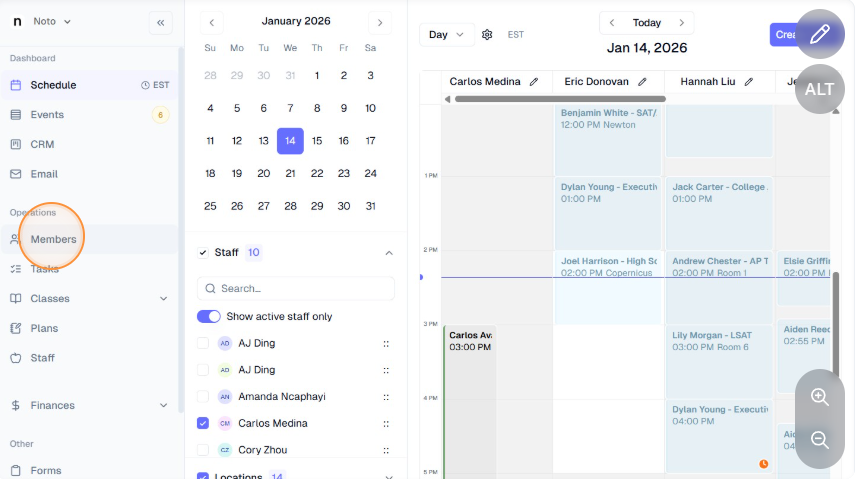
Click on the “Members” tab on the left-hand navigation and select the appropriate member.
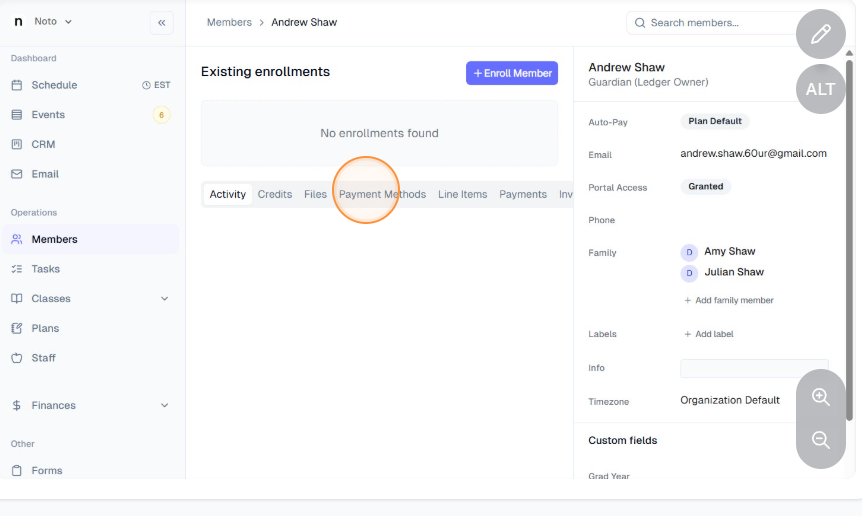
Navigate to “Payment Methods" tab on the member's profile. Click "Add card" or "Add bank account", fill in the necessary information, and click "Submit". This payment method will become the new default payment method on file.