What does the ACH Return email mean?
Last updated: May 22, 2026
For clients paying through ACH, you may, in rare cases, get an email with subject "ACH Return Received". ACH returns happen after the transaction originally succeeds in Noto and is marked as paid.
Important: The reversal process described in this article should ONLY be used when you receive an "ACH Return Received" email from Noto. For other situations like refunds, double payments, or payment corrections, use the standard refund process instead. See How do I refund a customer? for those scenarios.
This may occur because ACH payments are processed in batches and aren’t finalized immediately. A payment may show as successful once it’s accepted by the banking system, but banks are still allowed a short window to return the transaction (for example, if there are insufficient funds or the account was closed). In rare cases, this means a payment can be reversed after it initially appears complete.
When an ACH return occurs, the system now automatically updates the original invoice to show it as overdue, reflecting that the payment failed and the amount is still owed.
Note: A $5 Fee is charged by Finix for ACH returns.
Handling ACH Returns
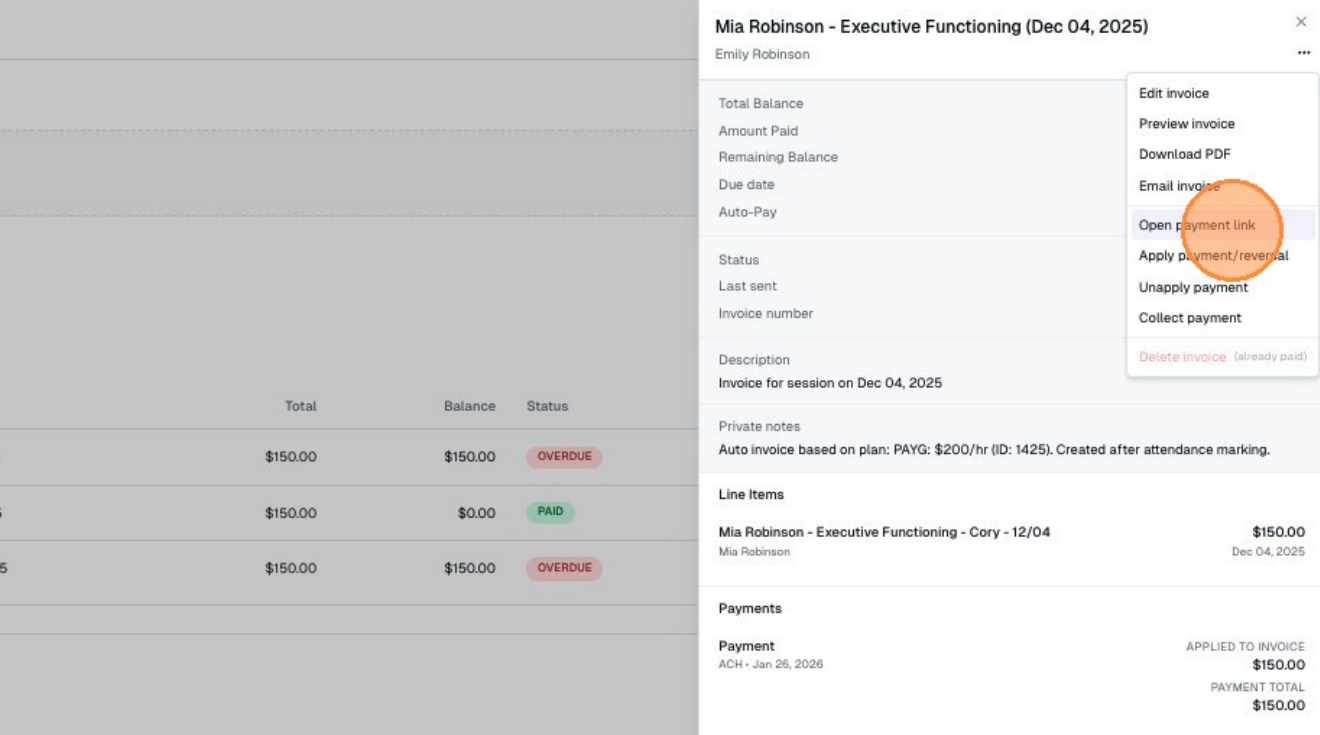
Communicate to the client that their ACH was returned. If the return reason is "insufficient funds," give them two options: add funds to their existing account or input new payment information. To collect a new payment method, click Email invoice to email the invoice directly, or copy the invoice link by clicking Open payment link if you want to follow up more personally. The new payment method will then store on their profile.
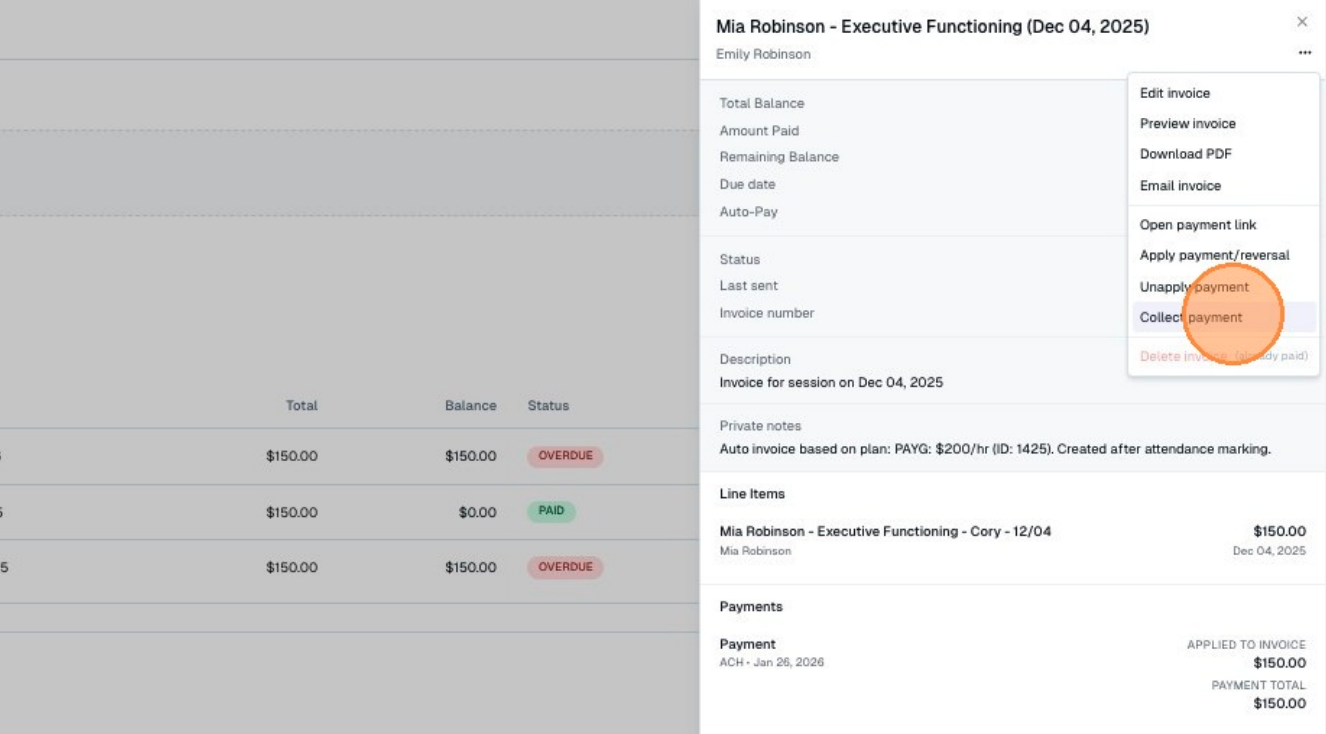
If you collect new payment method verbally or manually, you can add the new payment method directly to their profile under the "Payment Methods" tab. Once this new payment method is on their profile, the invoice can be recharged by clicking into the invoice and selecting Collect Payment.