How do I refund a customer?
Last updated: May 19, 2026
Click “Members” on the left-side panel and select the member you would like to refund.
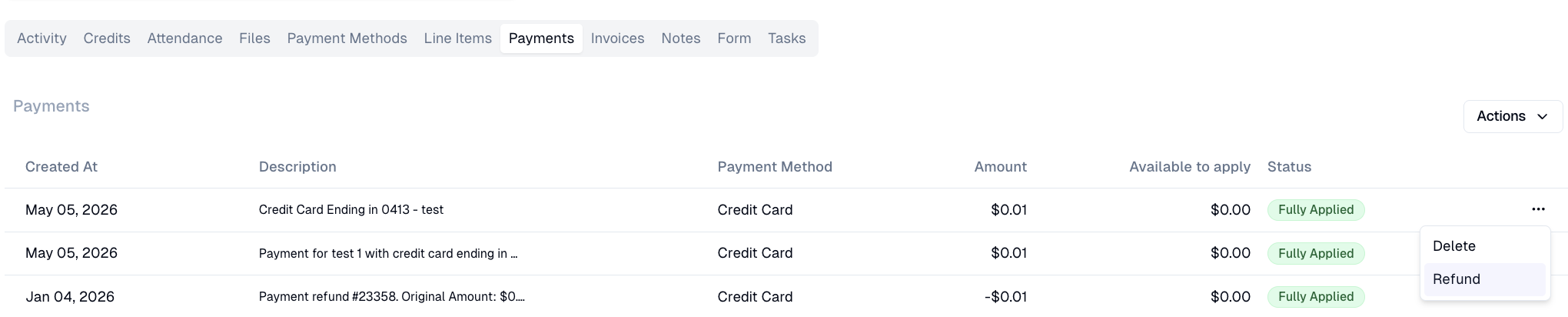
Navigate to the “Payments" tab on the member's profile and find the specific payment, click the three dots, and choose “Refund".
Specify the amount of the refund (both partial and full refunds are supported) and click "Submit".