How can my instructors edit their contact info?
Last updated: July 6, 2026
Instructors can edit their contact info and bio directly from their own Noto profile.
Steps
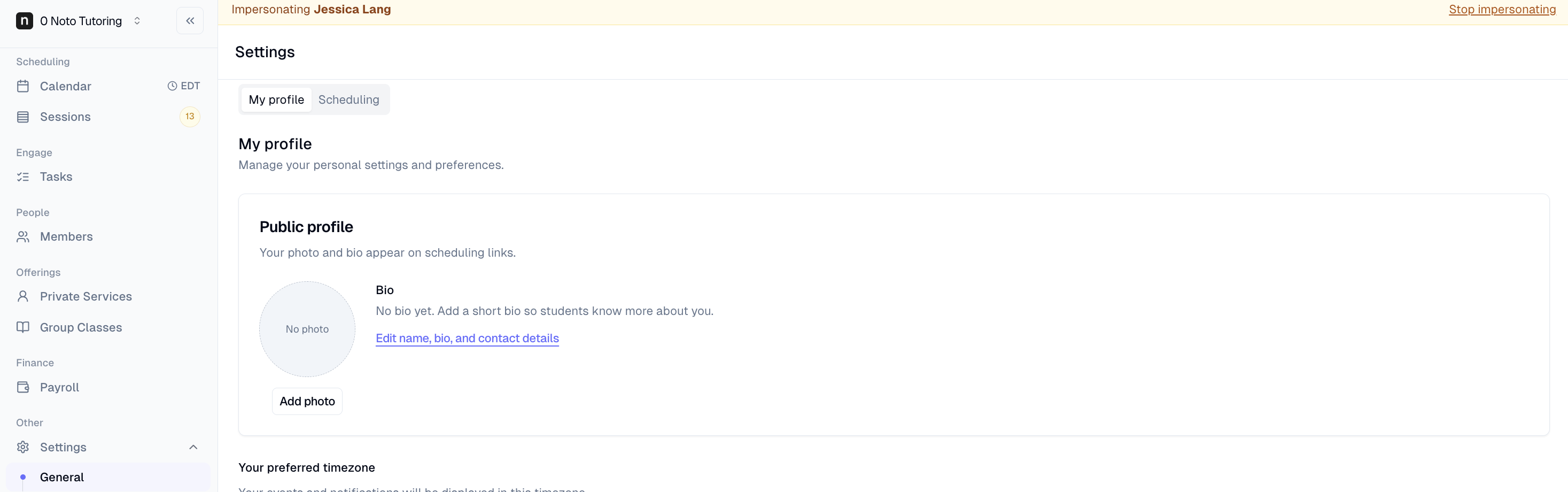
Log in to Noto and click Settings -> General from the left-hand menu.
Click Edit name, bio, and contact details next to your photo and update any of the following: Name, email, phone number, address, timezone, meeting link, bio.
Click Save changes. You should see a confirmation that your profile was updated.