How do I split payments for divorced parents?
Last updated: May 27, 2026
Ensure both parents are added to the student's family. If your business is on auto-pay by default, turn off auto-pay for this family by editing one of the parents and setting Auto-pay to "Always Off".
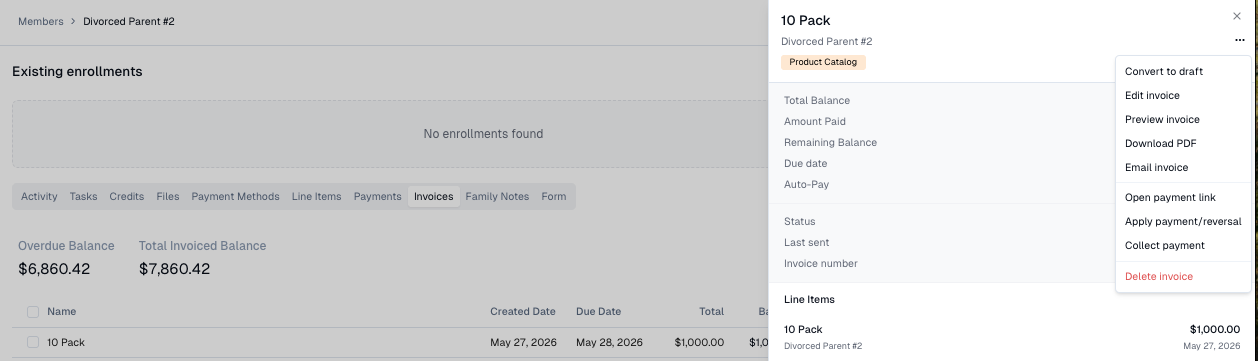
On one parent's profile, click on the Invoices tab and select the invoice. Click the 3 dots in the top right and then "Collect Payment".
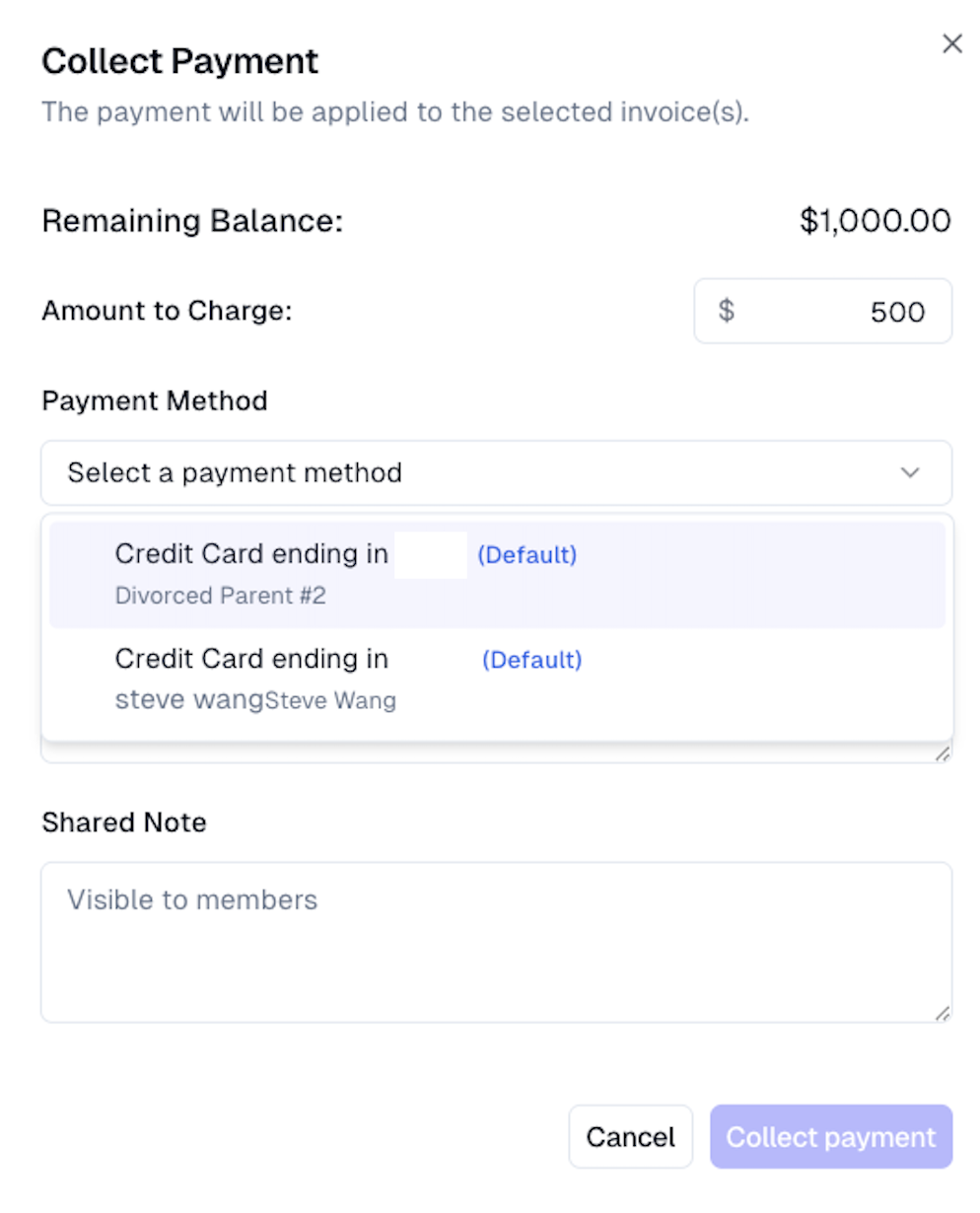
Enter the amount to charge the first parent, select their payment method, and click "Collect payment". Repeat this with the other parent's balance and payment method.