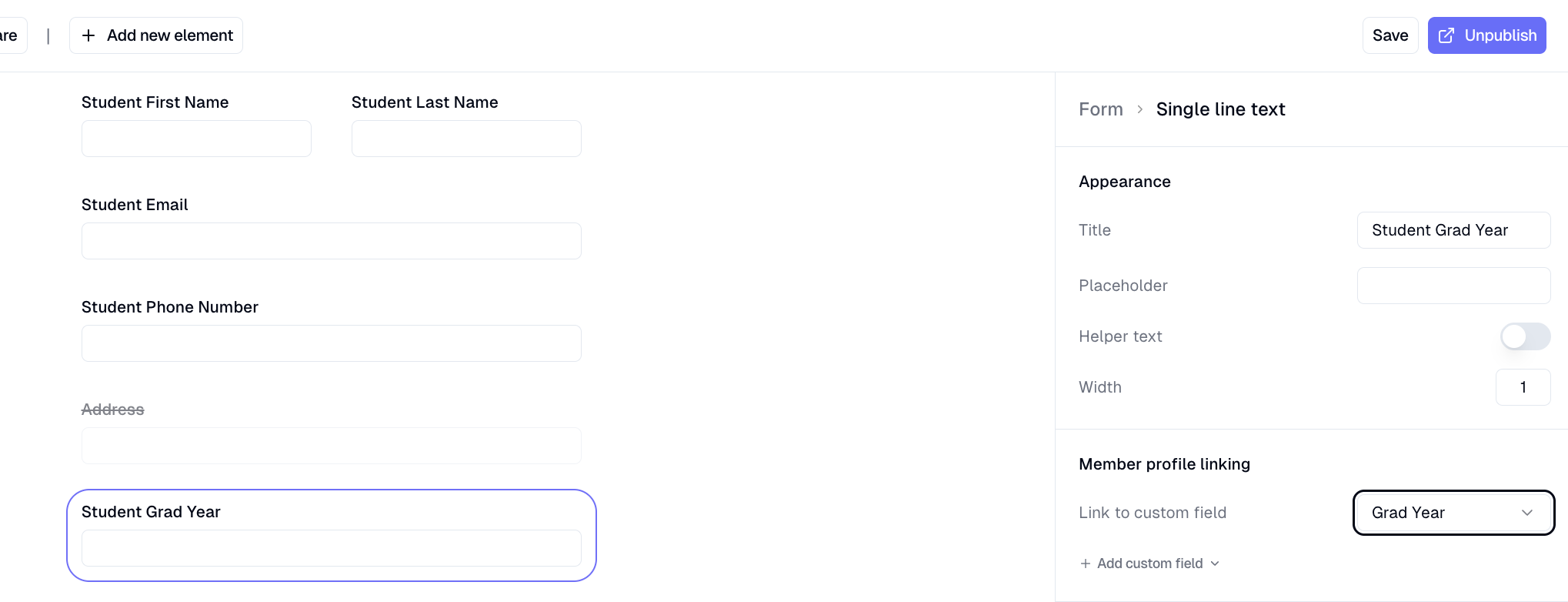
How do I create a new custom field?
Last updated: May 19, 2026
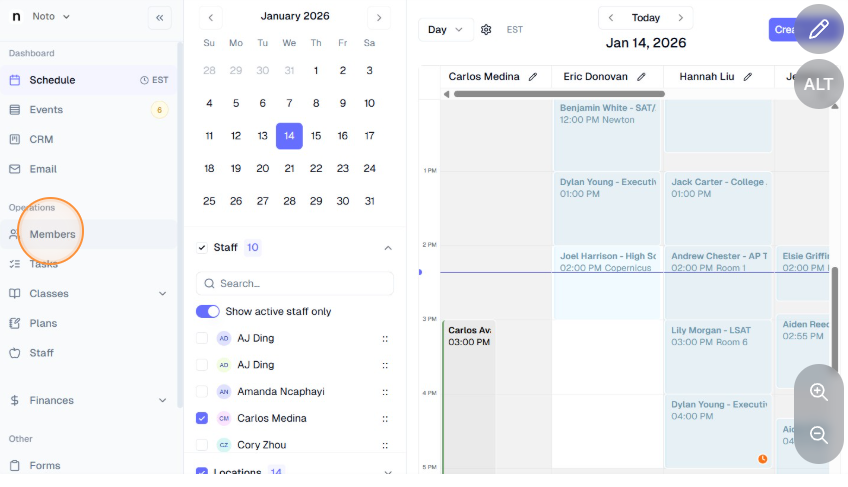
Click "Members" on the left-hand navigation and navigate to any member's profile.
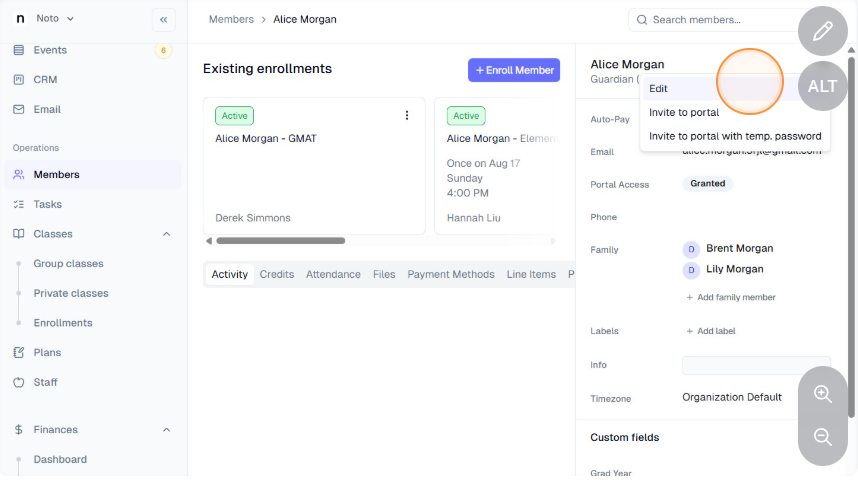
Click the 3 dots on the top right of their profile to edit, scroll down to "Custom fields" and click "+ Add custom field".
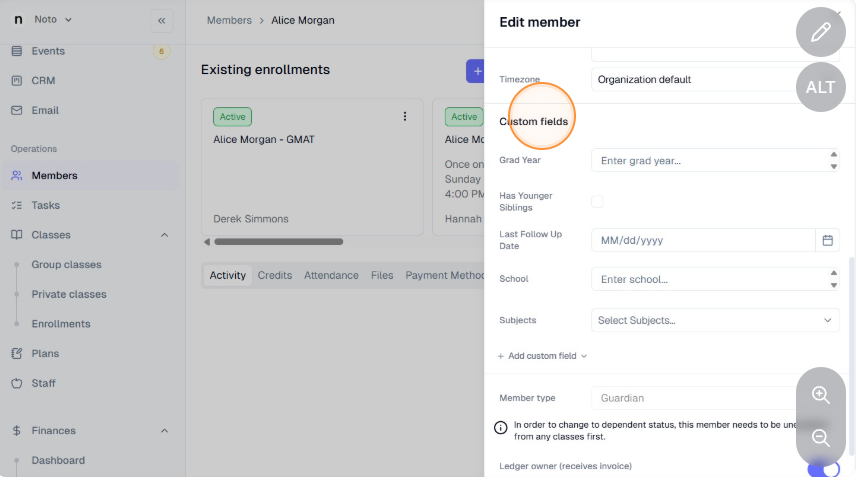
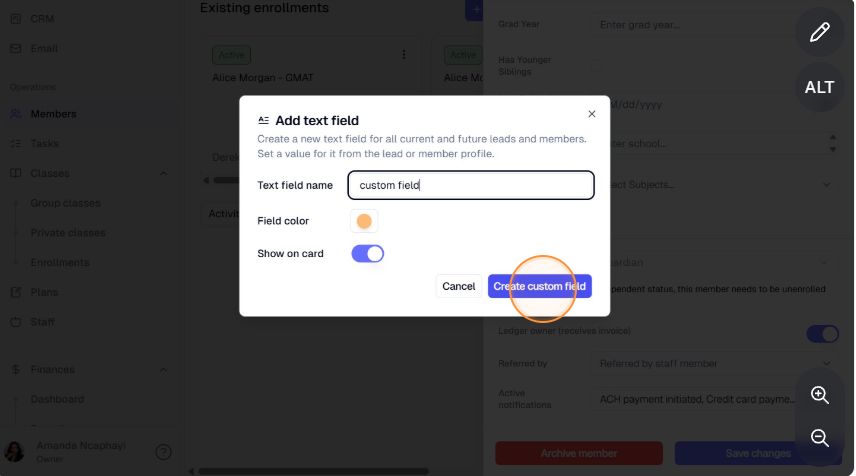
Select the field type and name and click "Create custom field". For dropdown or multi-select fields, also define the options for this field.
This field can now be linked to fields you create in Forms. If a custom field is linked to a form field, then the content of that form's submissions will automatically populate on the student's profile.