How do I set up custom email sending from my own domain?
Last updated: May 19, 2026
Noto’s Marketing Suite includes a default sending email for your campaigns and automated emails. You can connect your own email address to send from your business domain instead. This improves brand consistency and can help reduce the likelihood of your emails being marked as spam.
Configuring Custom Email
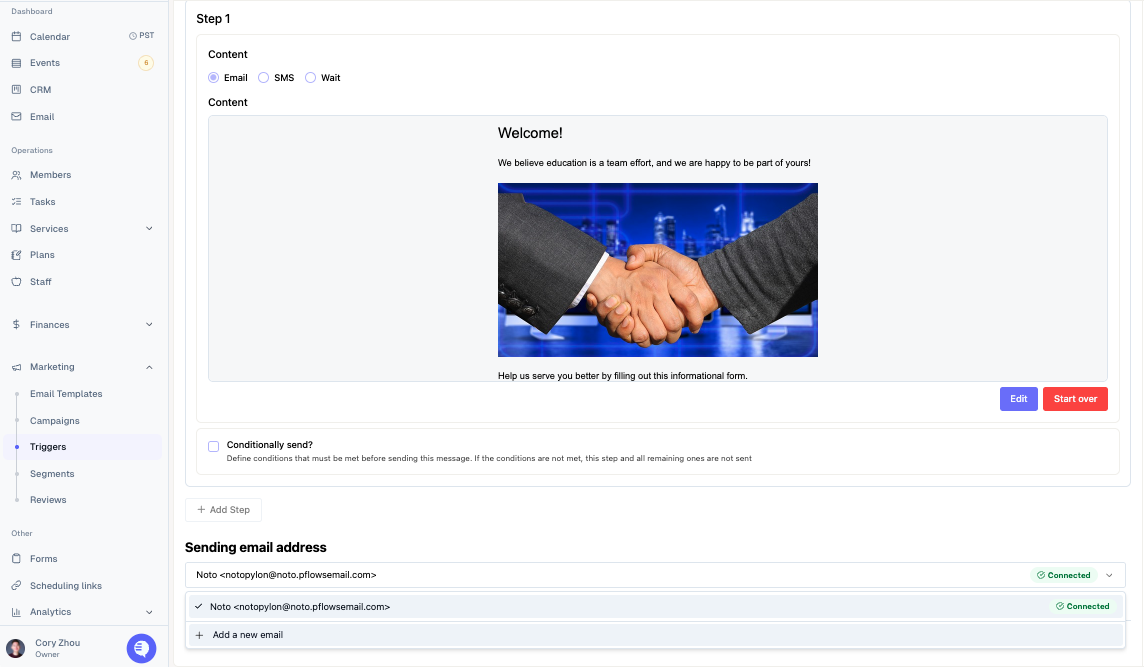
Navigate to Marketing -> Campaigns/Triggers on the left-hand navigation. Click into any campaign or trigger, create an email step, click on the default email under "Sending email address" and click "+ Add a new email".
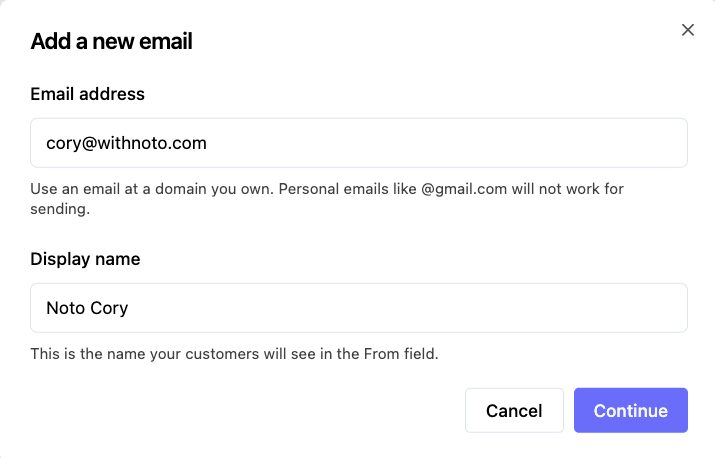
Set your desired email and display name, and click "Continue".
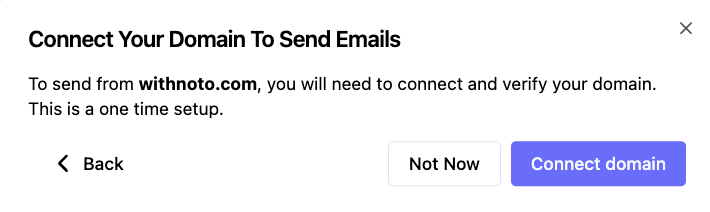
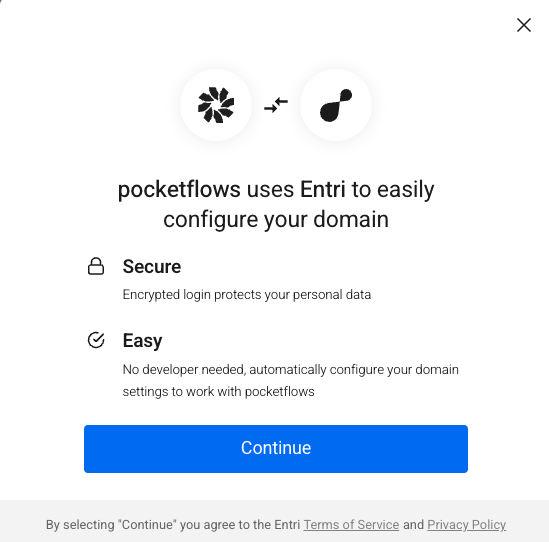
Click "Connect domain", and follow the instructions to connect and verify your domain with Entri. Once you log into your domain provider and verify your domain, your email should display as a sending email option within 48 hours.