What's New — July 16, 2026
Last updated: July 16, 2026
What's new
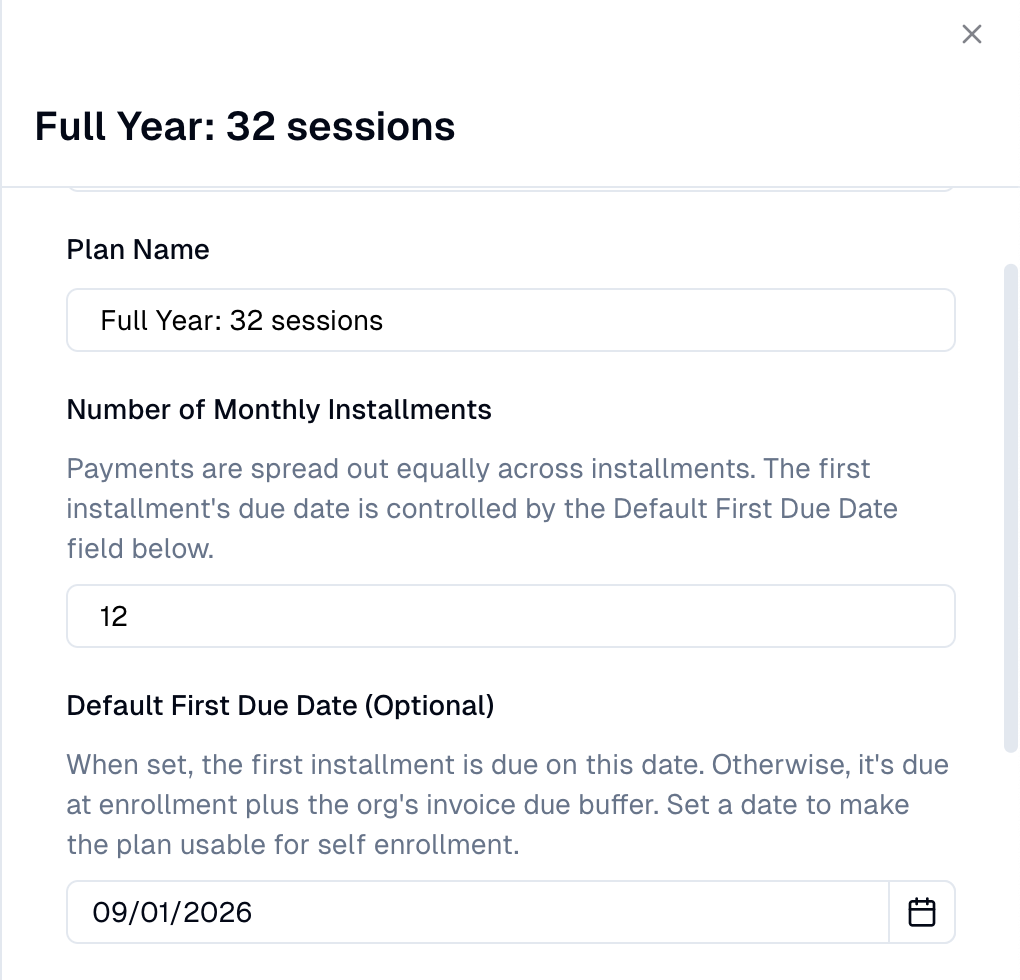
Configurable default first due date on installment plans
When creating Installments Plans, you can now establish a default first due date at the plan level for installment plans. This means you no longer need to configure the due date manually for each enrollment — and installment plans can now be used in self-enrollment flows where no staff member is present to set it.
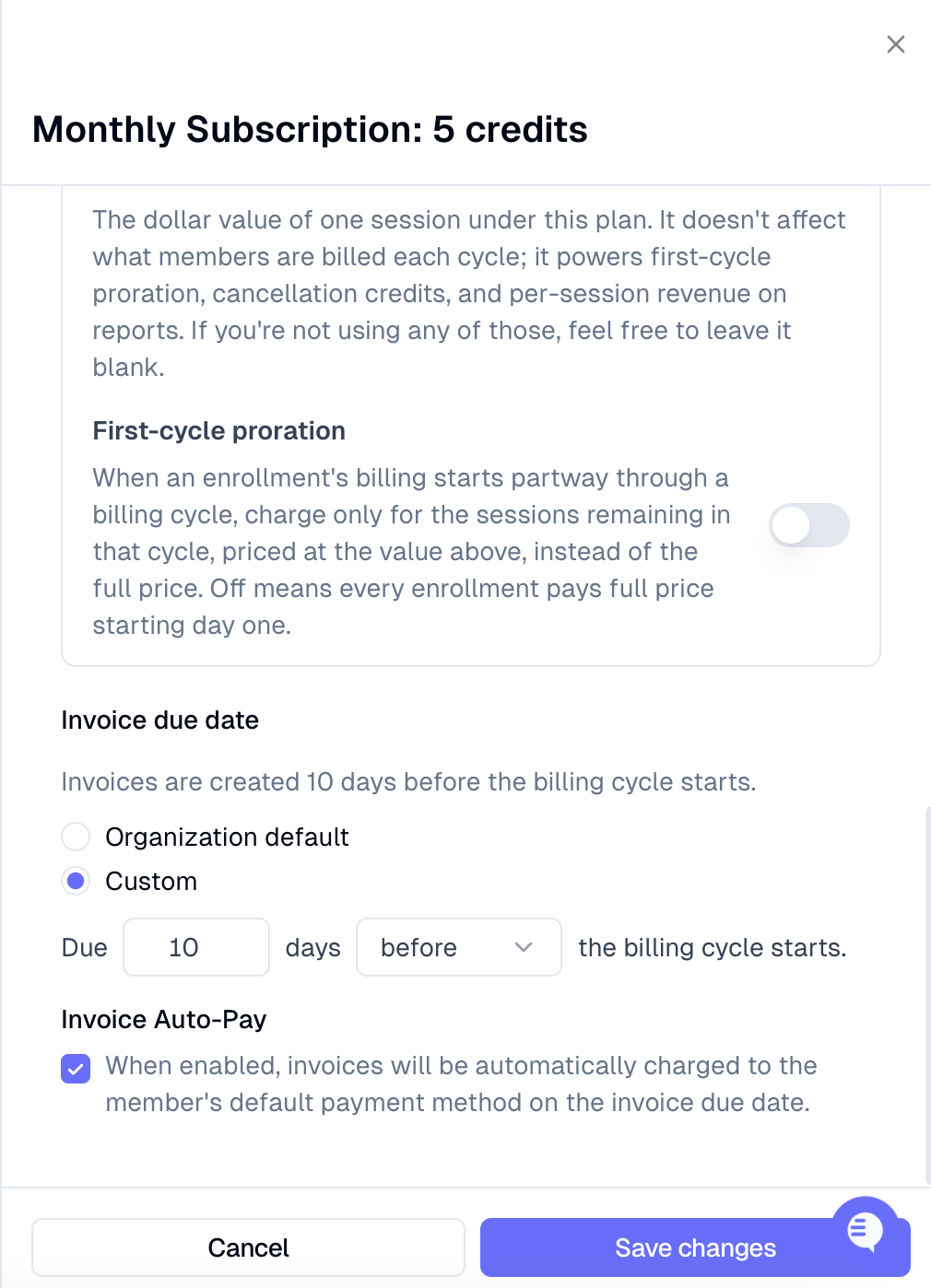
Bill subscription cycles before they start
Subscription and Recurring Flat plans can now bill members before a cycle begins — for example, charging in July for August's sessions. To enable this, set a negative due buffer on the plan (up to 30 days early):
Open the billing plan you want to edit.
Locate the due buffer setting.
Enter a negative value (e.g. –7 for one week early, up to –30 days).
Save the plan.
Autopay will automatically fire at the right time based on your buffer — no manual adjustments or data migration needed. Existing enrollments on these plan types are unaffected until you update the buffer.
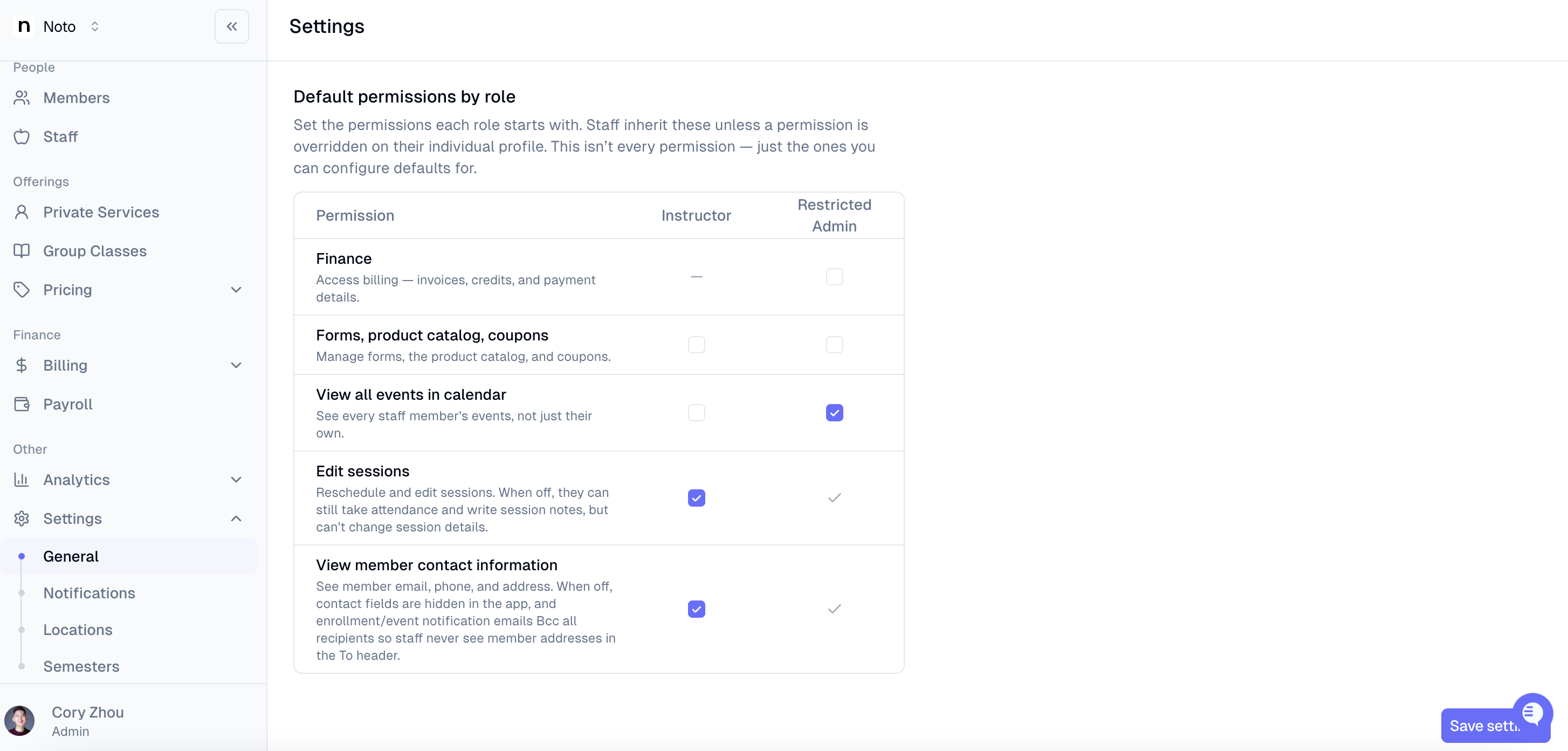
Hide member contact info from instructors
You can now control whether instructors see members' email, phone, and address. Instructors have access by default, but you can turn it off per staff member or set it through role defaults. Admins always keep full access. This can be set in Settings -> General -> Organization -> Staff.
Make-up credits usable on self-enrollment drop-in forms
Members with an eligible make-up credit can now apply it when signing up for a drop-in session through a client-facing self-enrollment form. At checkout, a Use make-up credit toggle appears automatically if a qualifying credit is available. Selecting it sets the amount due to $0, and submitting the form reserves the credit against that session — no admin intervention needed.
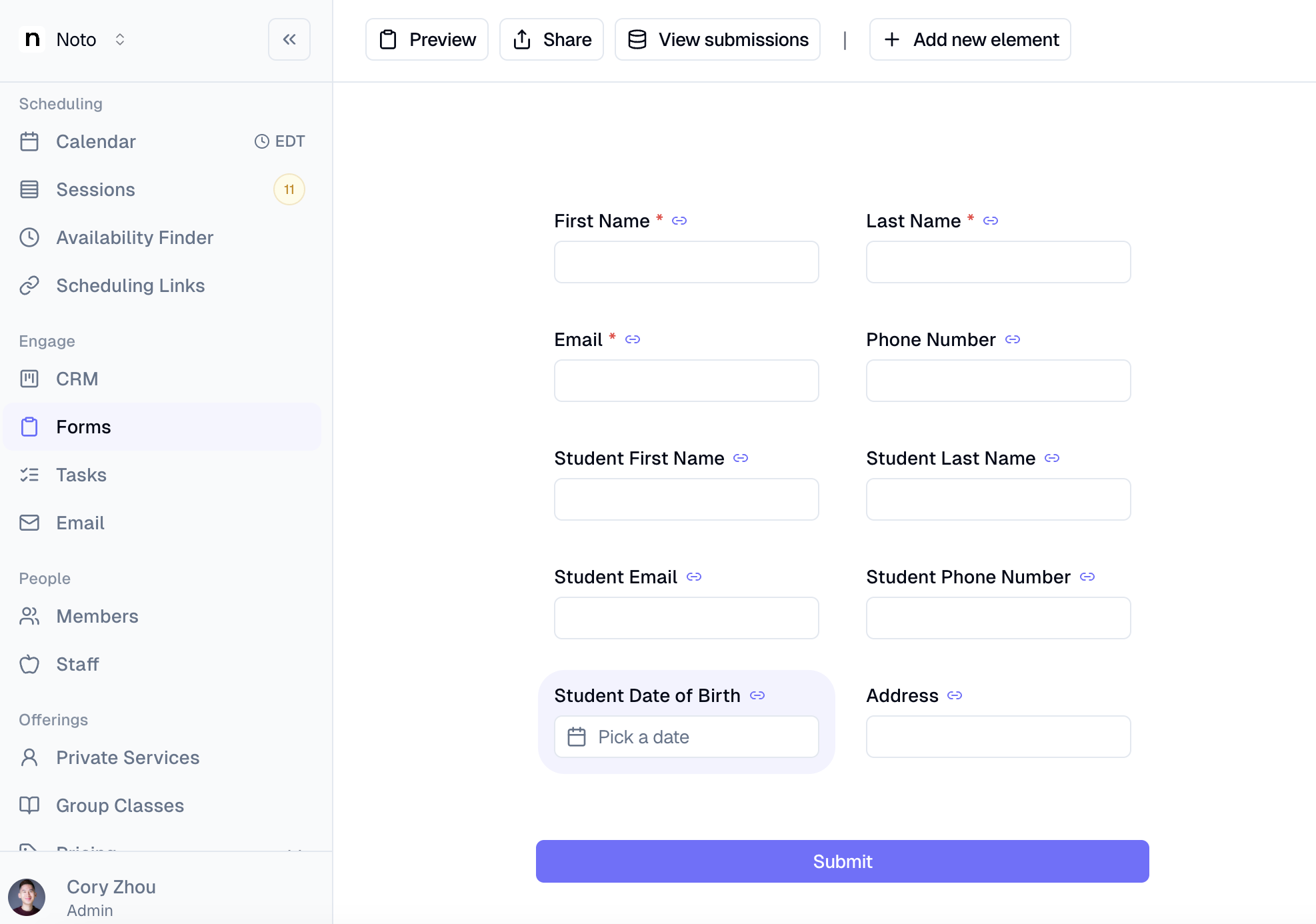
Student date of birth field on enrollment forms
Enrollment and interest forms now support an optional Student Date of Birth field that writes directly to the member's profile. Member profiles then display the student's birth date alongside their dynamically computed age.
Custom voicemail greeting for inbound calls
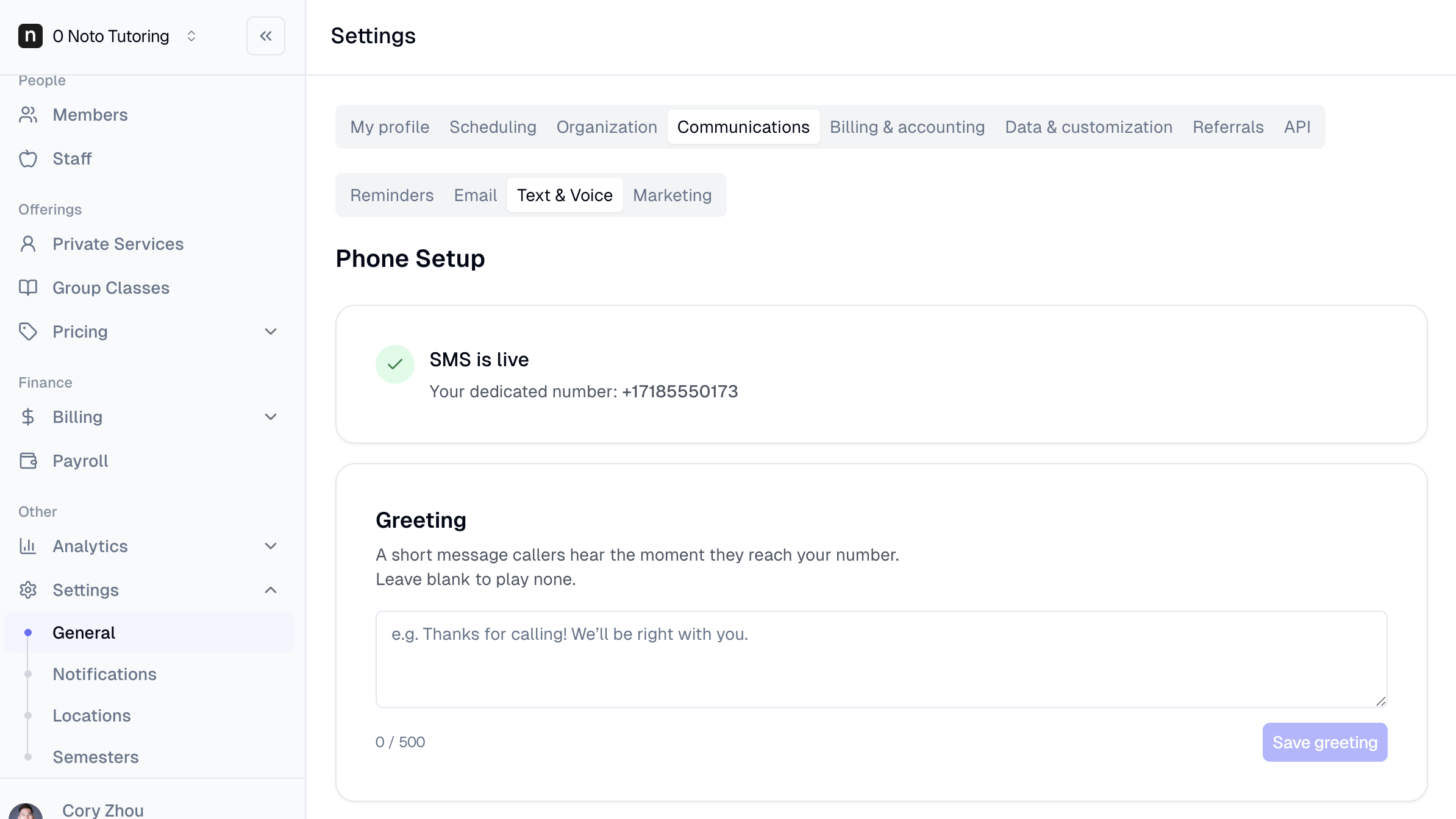
Head to Settings → Text & Voice to record a custom voicemail greeting that plays for callers before the beep — replacing the generic default message. Once set, your greeting applies across all voicemail entry points, so every missed call gives members a consistent, on-brand experience instead of a system prompt.
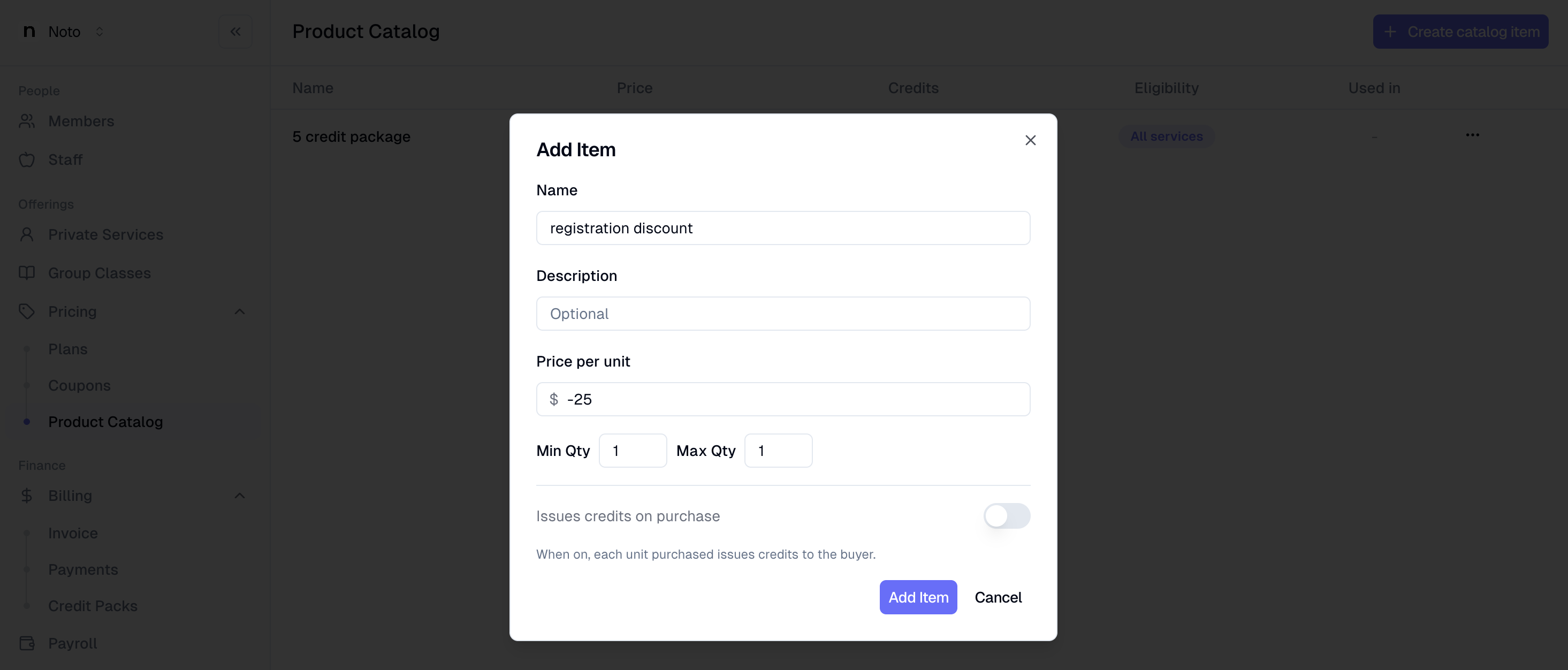
Negative prices for discount catalog items
Head to Pricing -> Product Catalog to create catalog items. You can then open a parent's profile, then go to Line Items → Actions → Add Line Item to put this to use. You can now set a catalog item to a negative price (e.g. "Referral Bonus = -$25"), and when it's added as a line item it automatically converts to a credit entry that reduces the member's balance on their next auto-generated invoice.