How do I set up a student with different online/in-person rates?
Last updated: May 19, 2026
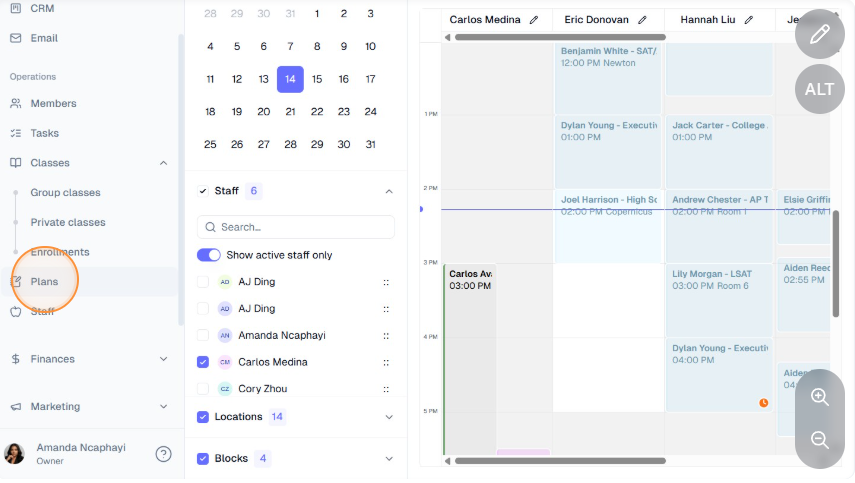
Click "Plans" on the left-hand navigation bar and ensure that both rates have been created as plans.
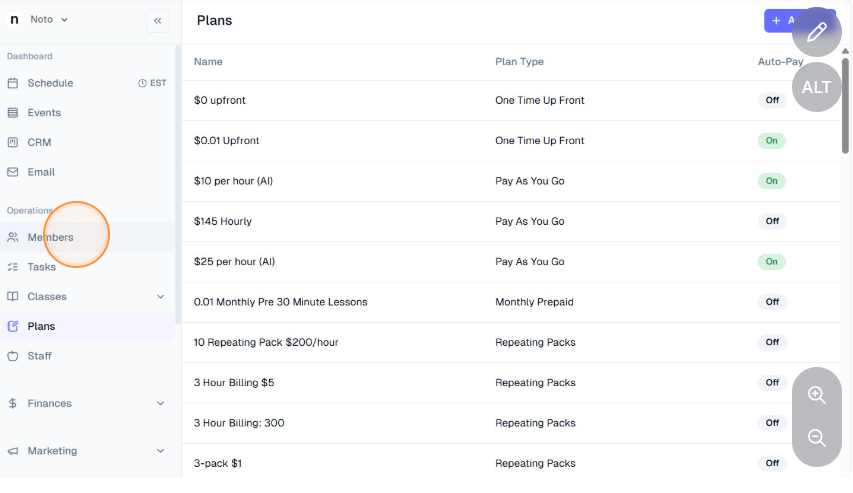
Click "Members" on the left-hand navigation bar and select the appropriate student.
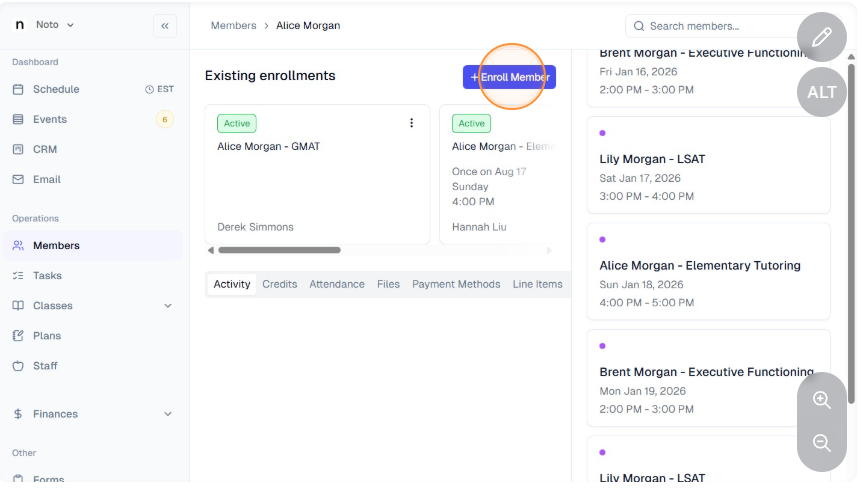
Create two enrollments for the student, one with the in-person rate and one with the online rate.
On both enrollments, click "Edit Enrollment" and change the name of the enrollment to reflect if it is the online or in-person rate.