Marketing Segments
Last updated: July 29, 2026
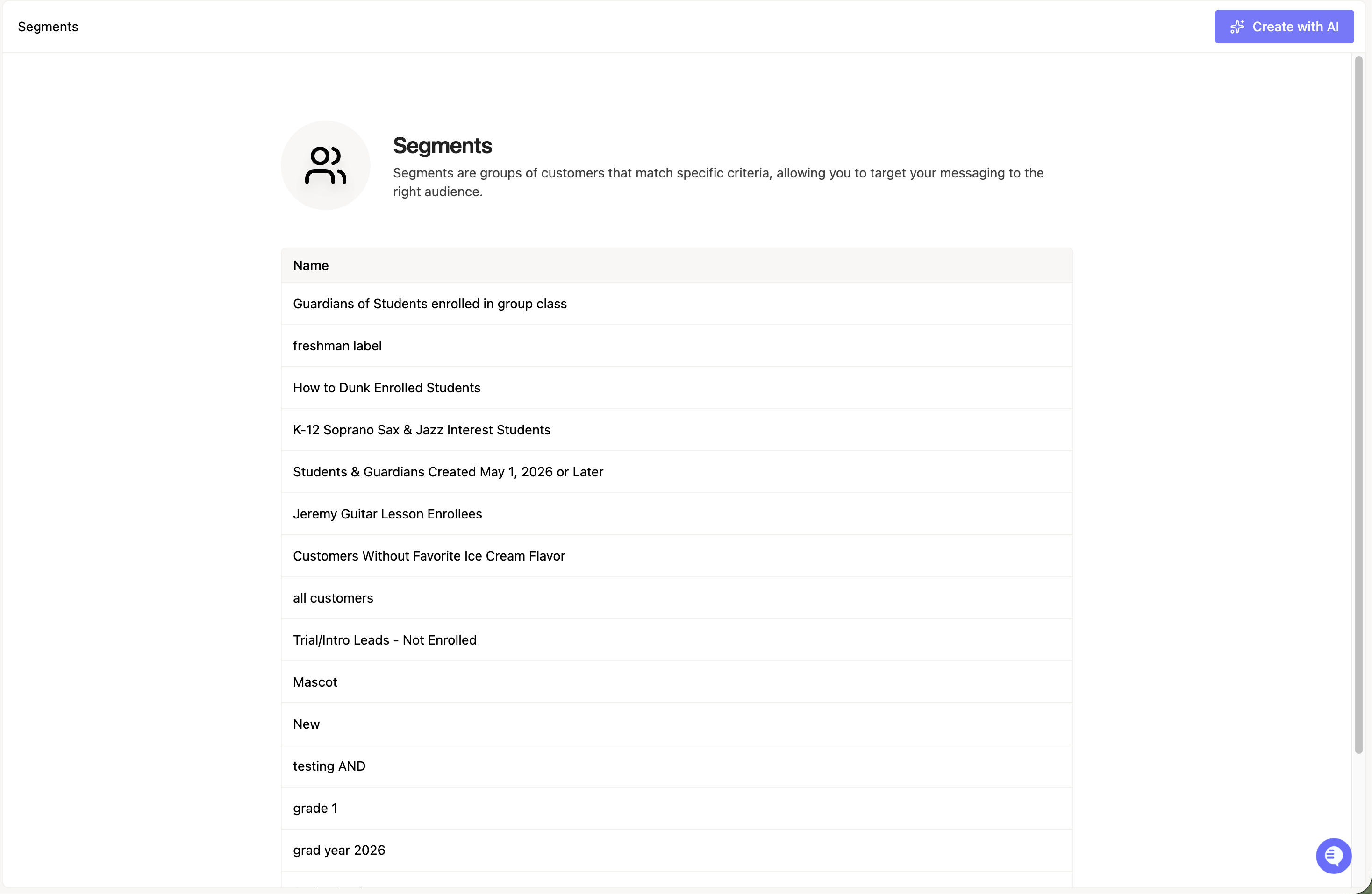
Segments define who your marketing communications go to. A segment is a saved group of filters applied to members in your Noto database, and the same segment can be reused across campaigns and triggers so your messaging stays targeted and consistent.
Segments live on the Segments page inside Noto's Marketing Suite, alongside email templates, campaigns, triggers, and reviews.
Creating a segment
You can build a segment two ways:
Manually — configure filters yourself.
With AI — use AI-assisted segment building to translate what you want into filters.
You can also create a segment from within a campaign or trigger while you're setting it up.
What you can filter on
Segments support three filter categories:
Member fields — all standard and custom fields on a member record (for example, graduation year or birth day), including the guardian vs. dependent distinction.
Customer lead status — matches your CRM lead stage, such as prospective students, "open deal," or any pipeline stage column on your leads board.
Enrolled services and status — filter by active enrollment in group or private classes.
Custom CRM fields are also available as filters. For example, a "Review" checkbox field on a contact can drive a segment of people who still owe you a review.
Example segments
Students graduating in a specific year (e.g., 2026)
New prospective students (Lead Stage = New)
All active students (enrolled in any service)
A Pre-K fair list based on a CRM lead stage column
Contacts in an "open deal" pipeline stage
Using segments in campaigns
A campaign targets a selected segment as its primary audience. From there:
Pick the segment when you create the campaign on the Campaigns page.
Add your steps (emails and delays).
On any step, use the Conditionally send? checkbox to add sub-filters, so that step only goes to a subset of the segment. For example, a campaign might target "All Active Students," but Step 1 only sends to clients who attend the Smithtown location.
Campaigns can also be duplicated and customized per segment, so you can deliver distinct messaging to different audience groups from a single master template.
Using segments in triggers
Triggers on the Triggers page fire when a member joins a segment. Segment membership is the trigger condition itself — once configured, no manual action is needed.
When to reach for segments
Lifecycle communications — welcome sequences, onboarding, and re-engagement.
Targeted announcements — promoting a specific class only to the enrollment groups it's relevant to.
CRM-stage-based outreach — sending event invitations or offers only to contacts at a specific pipeline stage rather than broadcasting to everyone.