How do I connect my external calendar?
Last updated: July 6, 2026
Noto supports two-way calendar sync, both exporting the Noto calendar to an external calendar and exporting GCal events to Noto.
Events imported into Noto will display on your calendar as blocks. Any identifying/private event information will be hidden.
Note: Currently, Noto only supports calendar imports via GCal. If you'd like to import a different calendar, it would first have to be imported into GCal.
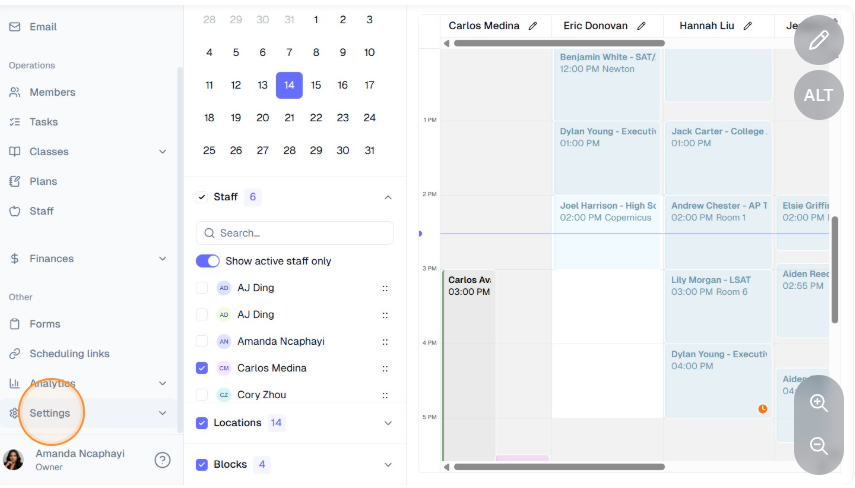
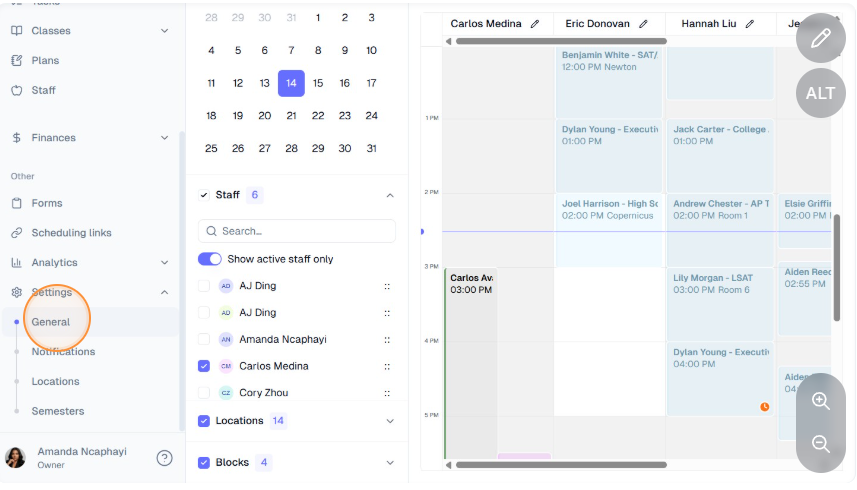
Navigate to Settings -> General on the left-hand navigation bar.
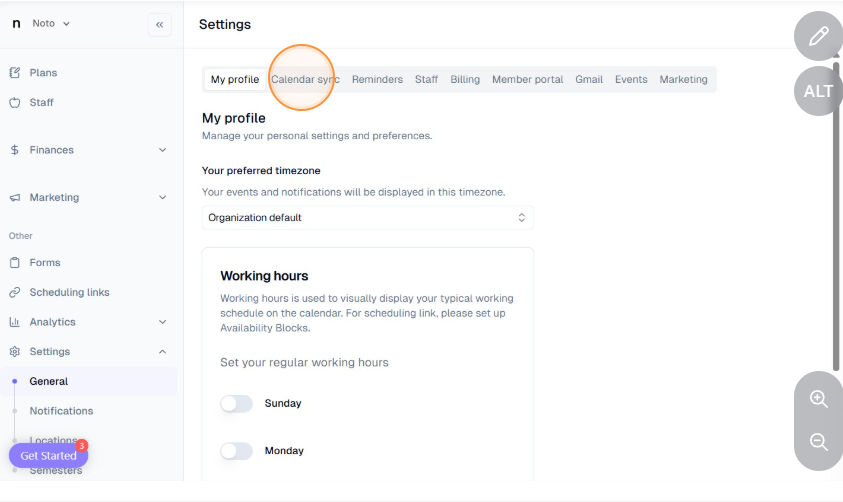
Click the "Calendar sync" tab on the Settings page, click "Connect calendar", and sign in with Google. (NOTE: Instructors have limited settings. Calendar sync for instructors is located under Settings -> General -> Scheduling).
Follow the instructions to connect your Google Calendar to Noto or your Noto calendar to Google or iCal.