How do I add a member to a family?
Last updated: May 19, 2026
A family in Noto is a group of dependents and guardians that are all associated with each other.
Family members all have access to each other's:
Credits
Invoices
Historical payments
All guardians, by default, will receive these notifications for all dependents in the family:
Session reminder notifications
Invoice reminder emails
Session notes
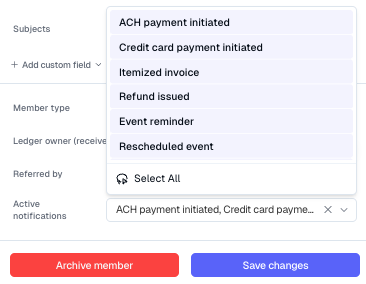
These notifications can be customized if needed by going to the guardian's profile -> Edit and scrolling all the way down on the sidebar to Active notifications.
NOTE: Dependents will not receive any notifications regarding payments, and they do not have access to any financial information in their member portal.
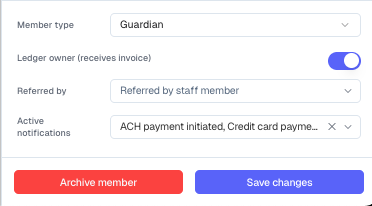
Invoices on auto-pay will check all guardians for a payment method on file UNLESS that guardian has Ledger Owner toggled off. This can be disabled/enabled by going to the guardian's profile -> Edit and scrolling all the way down on the sidebar.
Adding a New Family Member
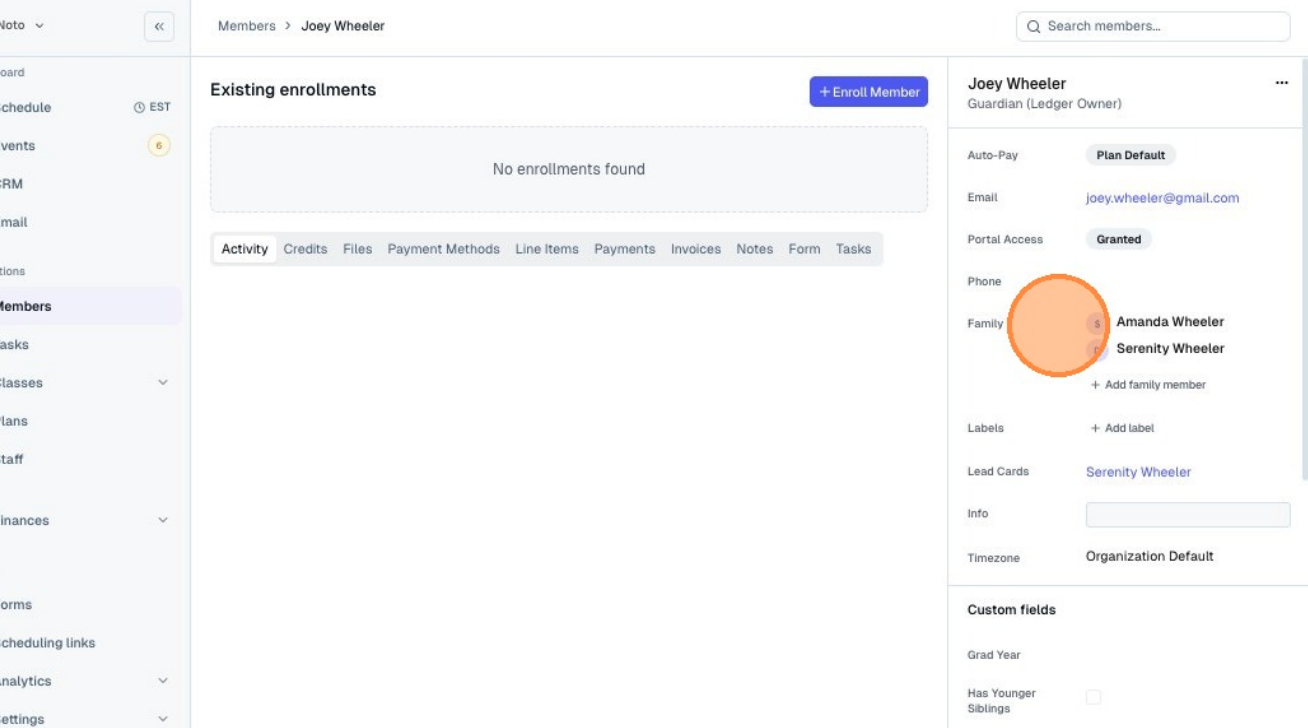
Navigate to any member of the family you want to add a member to and click + Add family member.
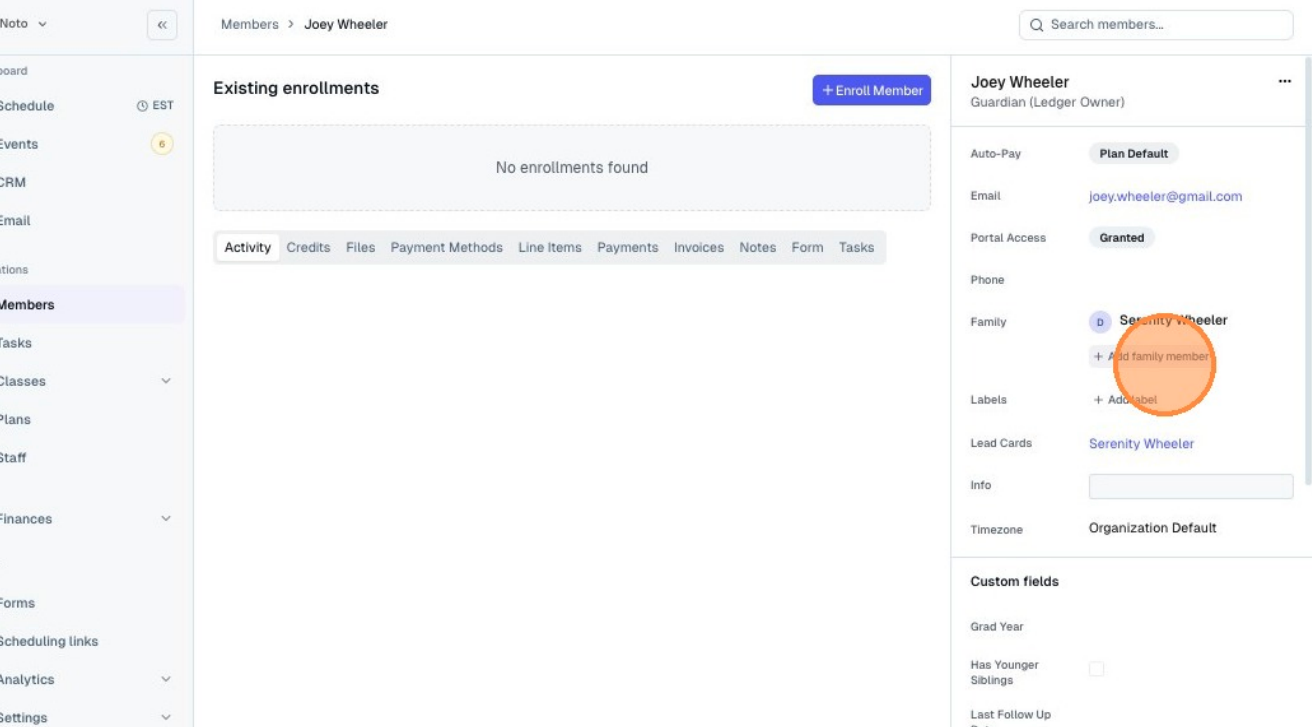
Under New member, select if this member if a guardian or dependent and fill in the necessary information.
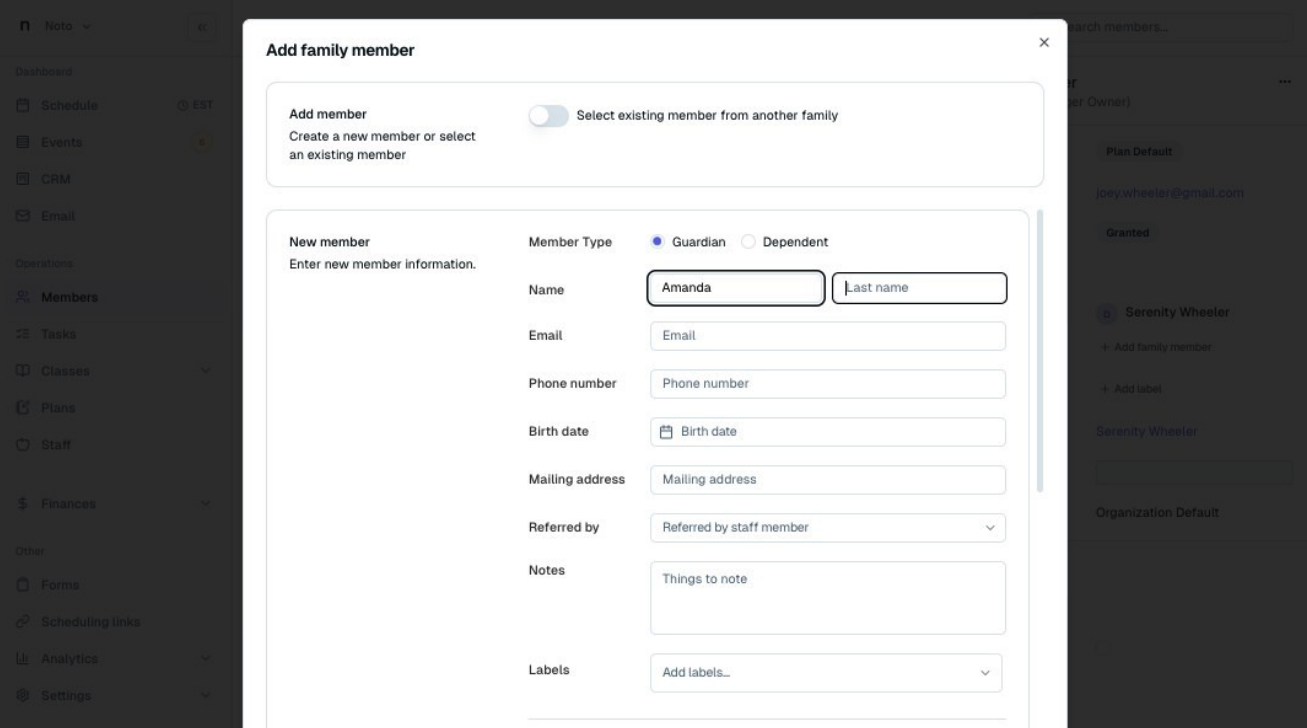
Click Create member and the new member should display with the other members of the family.