What's New — October 29, 2026
Last updated: October 29, 2026
Cancel a full day of sessions and issue makeup credits
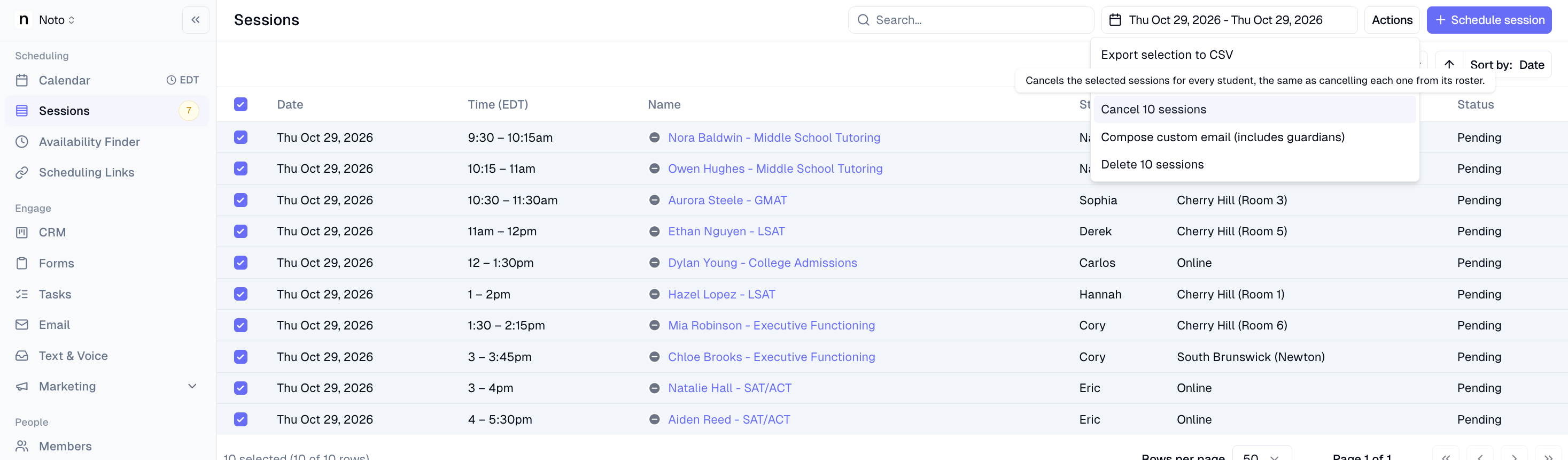
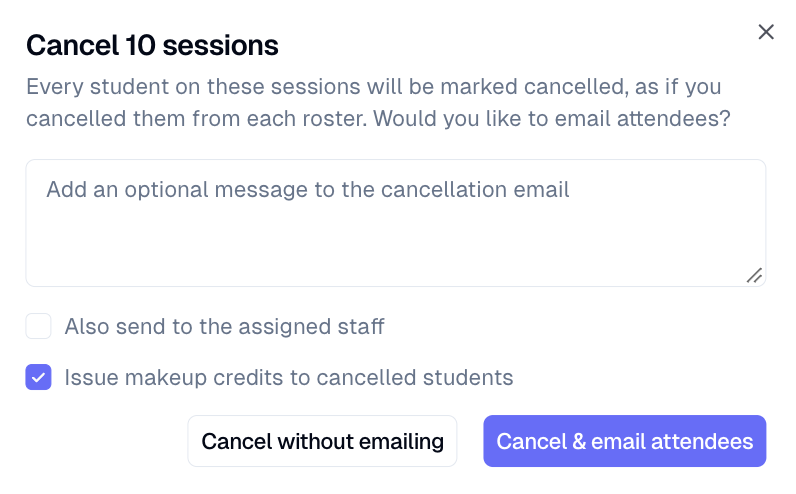
Closing for a snow day or holiday? Admins can now cancel every session on a day in one action and choose to issue makeup credits to all affected students at the same time. This works for both group classes and private lessons.
Where to find it: Sessions → select the day's sessions → Bulk actions → Cancel all sessions
Automatic tasks when a lead enters a CRM stage
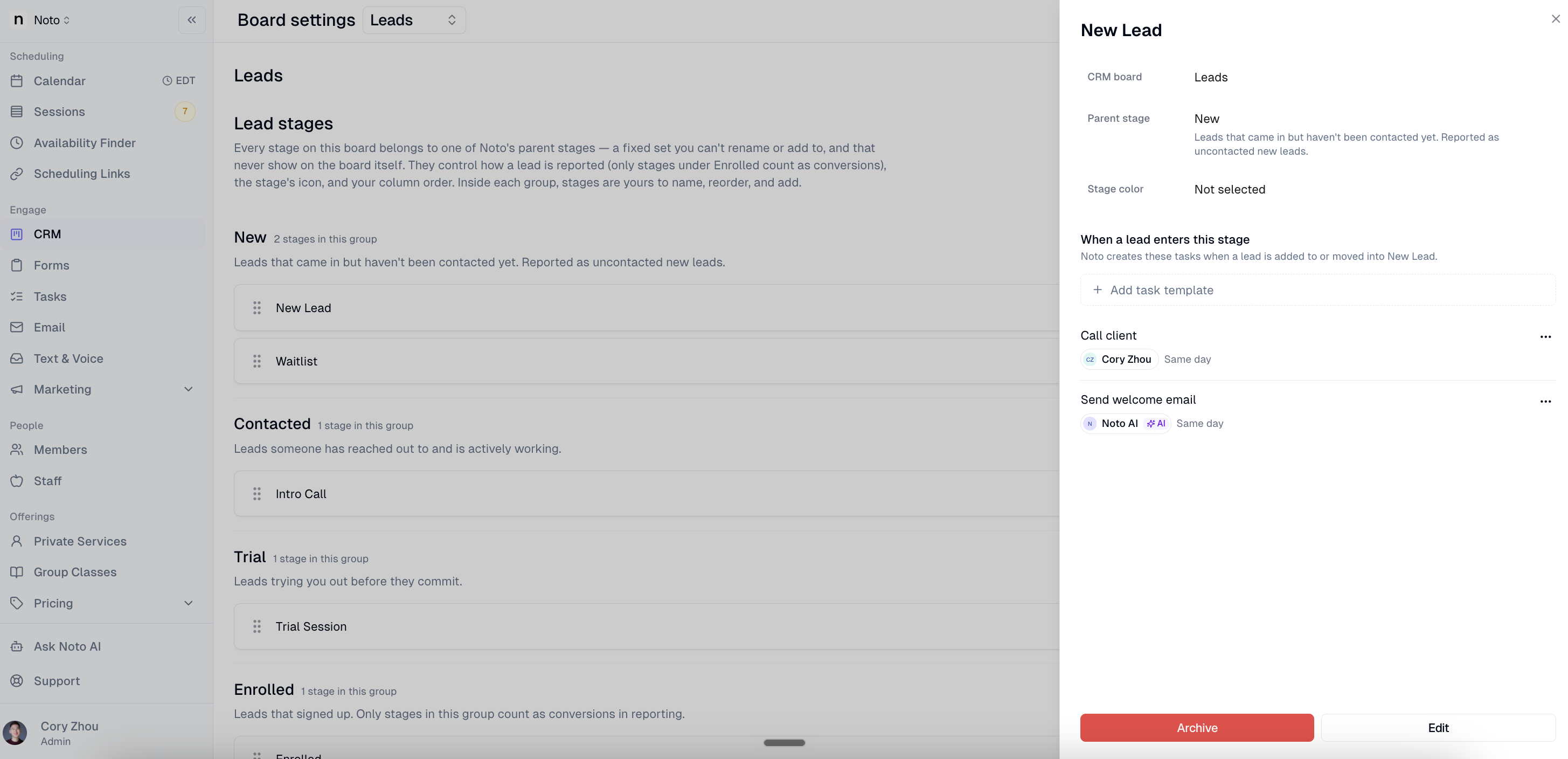
Each stage on your CRM board can now have its own checklist of tasks. When a lead is created in a stage or moved into it, Noto creates those tasks automatically. Each task can be assigned to specific staff or to the lead's owner, with a due date set relative to when the lead entered the stage (for example, two days after). These tasks can also be assigned to Noto AI to complete.
Where to find it: Leads → Settings → select a stage → Tasks
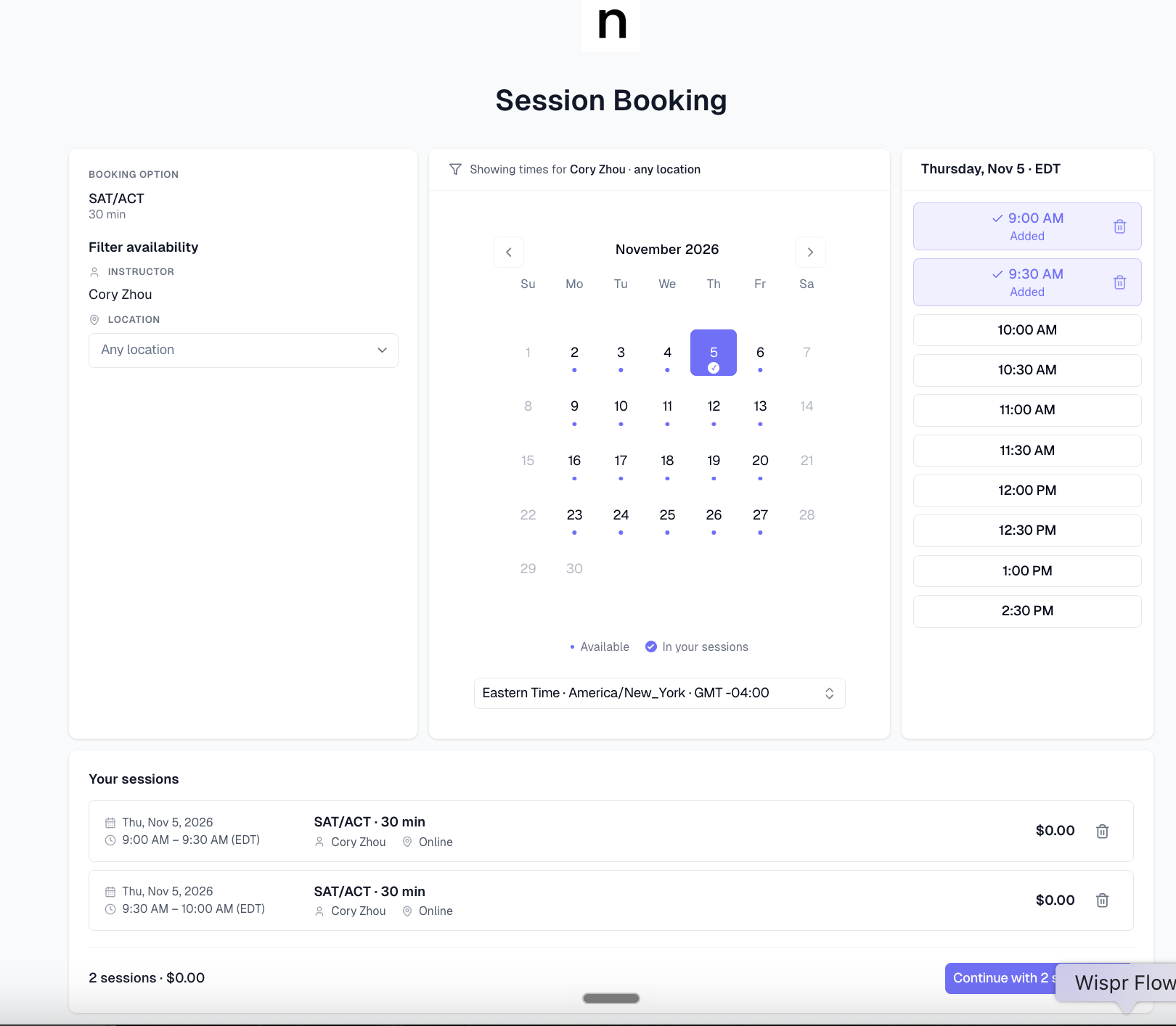
Book multiple sessions at once through self-scheduling
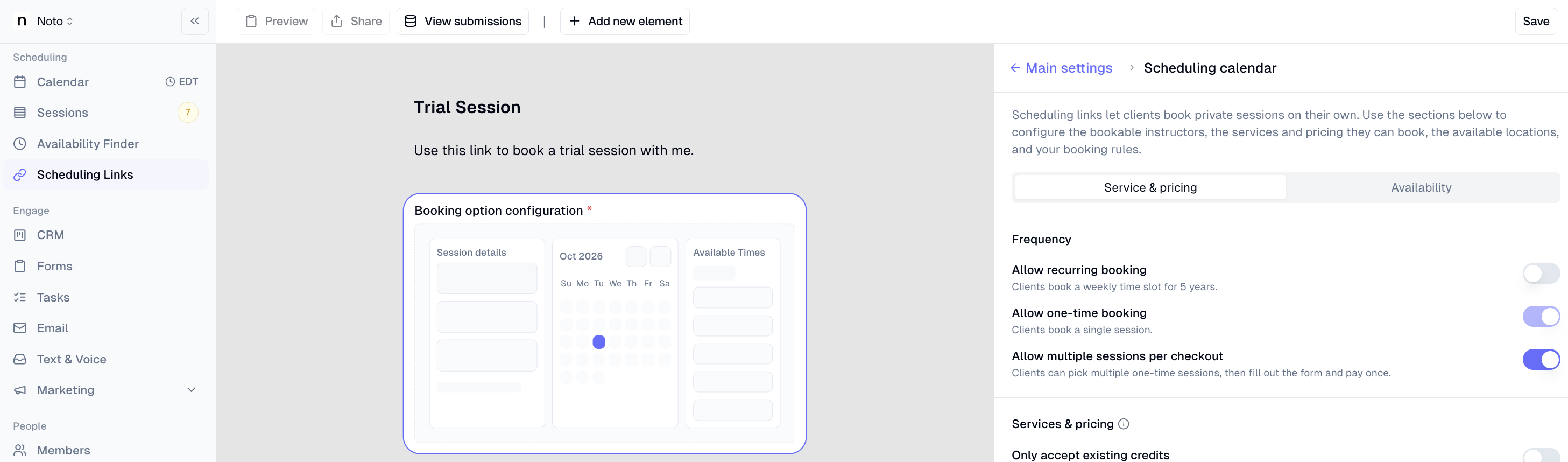
Families can now pick several dates and times in a single booking on a self-scheduling link, instead of booking one session at a time. This is ideal for packages that are split across multiple sessions, like a six-hour driving package booked as three two-hour lessons.
Where to find it: Scheduling Links → select a link
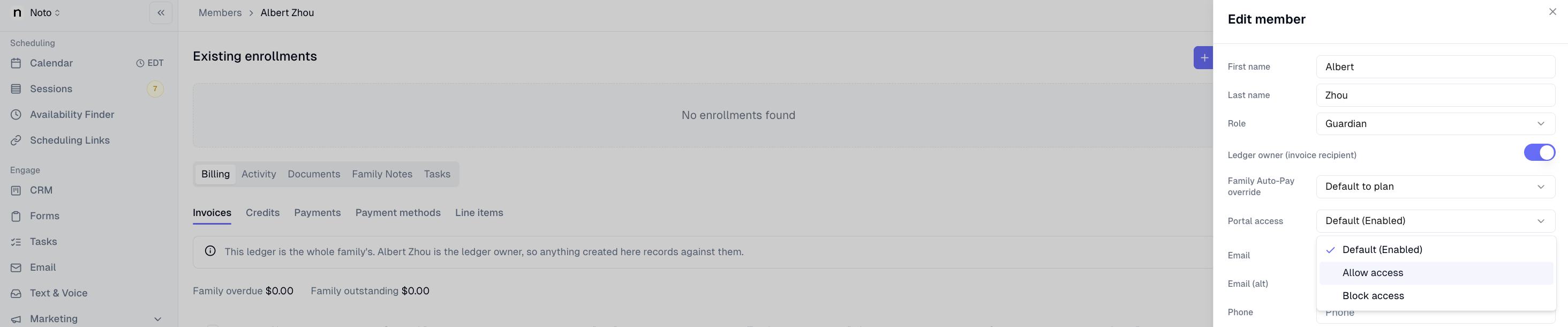
Turn the member portal on or off for individual members
The member portal setting in your org now acts as the default, and you can override it for any individual member. For example, you can pause portal access for a family with an outstanding late-cancellation fee without affecting anyone else. Members with an override keep it even if you change the org-wide setting later.
Where to find it: Org default: Settings → General → Member Portal. Per member: Members → select a member → Member Portal
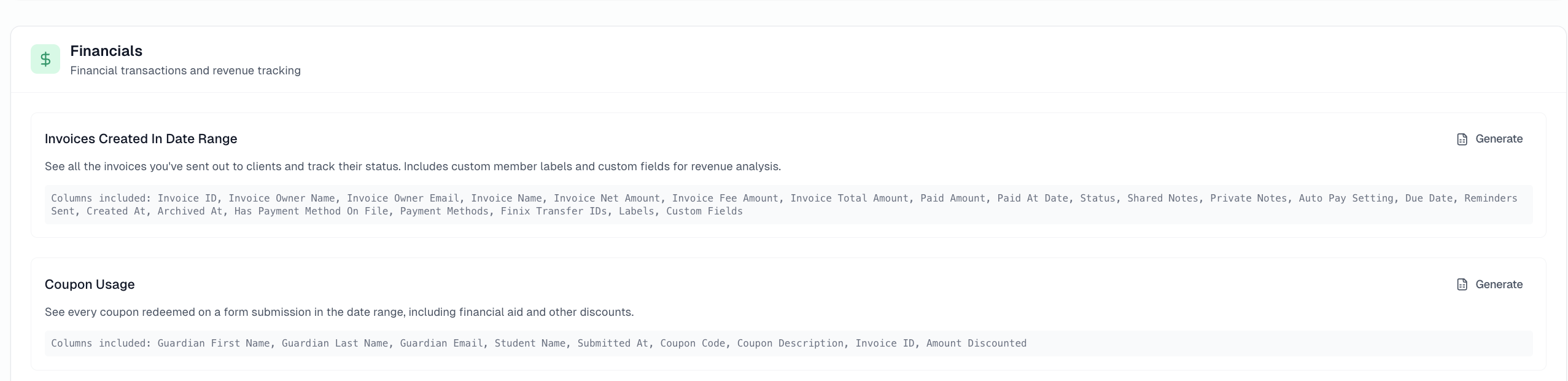
Coupon Usage report
A new Coupon Usage report shows every coupon or discount applied through your forms, including the guardian and student, the coupon code and description, the invoice, and the amount discounted. This makes it easy to total up financial aid or promotional discounts across all students.
Where to find it: Analytics → Reports → Generate → Coupon Usage
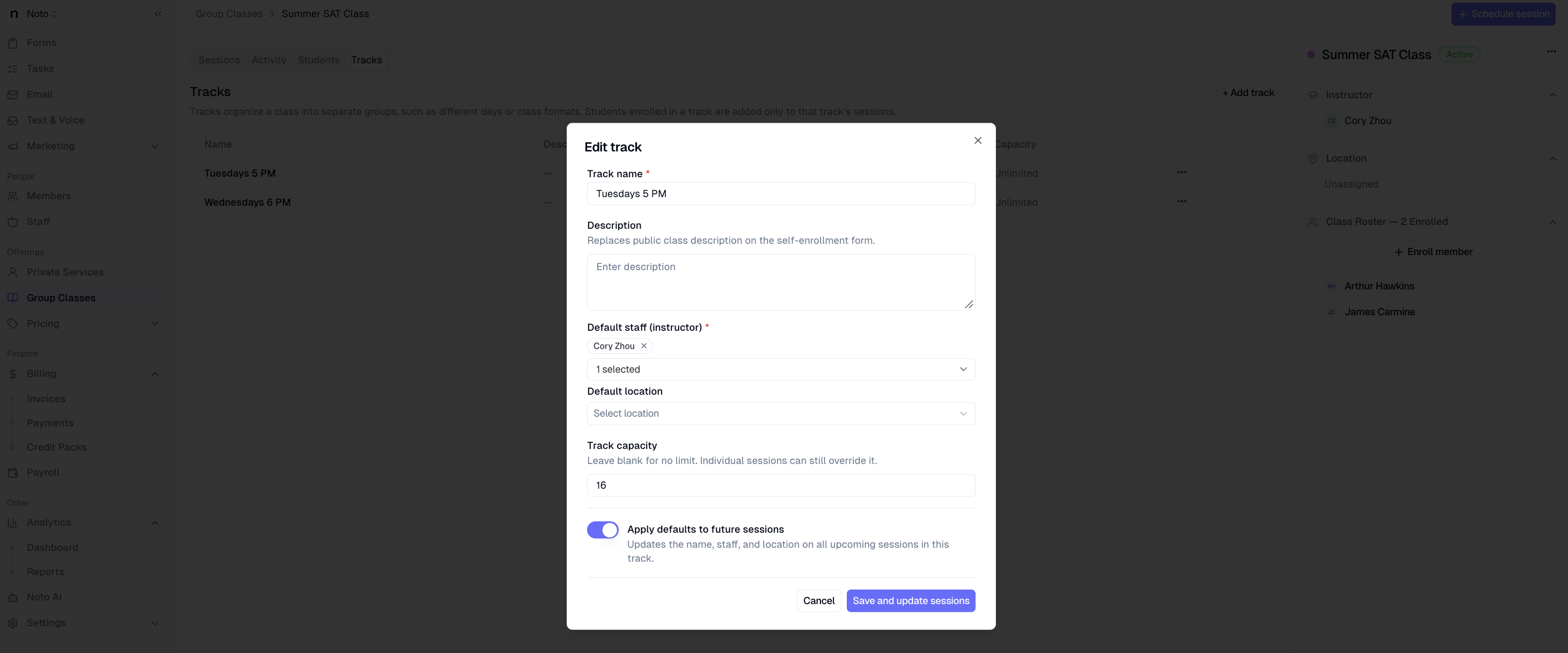
Capacity limits for individual tracks
Group classes with multiple tracks can now have a separate capacity for each track, instead of one capacity for the whole class.
Where to find it: Services → select a group class → Tracks
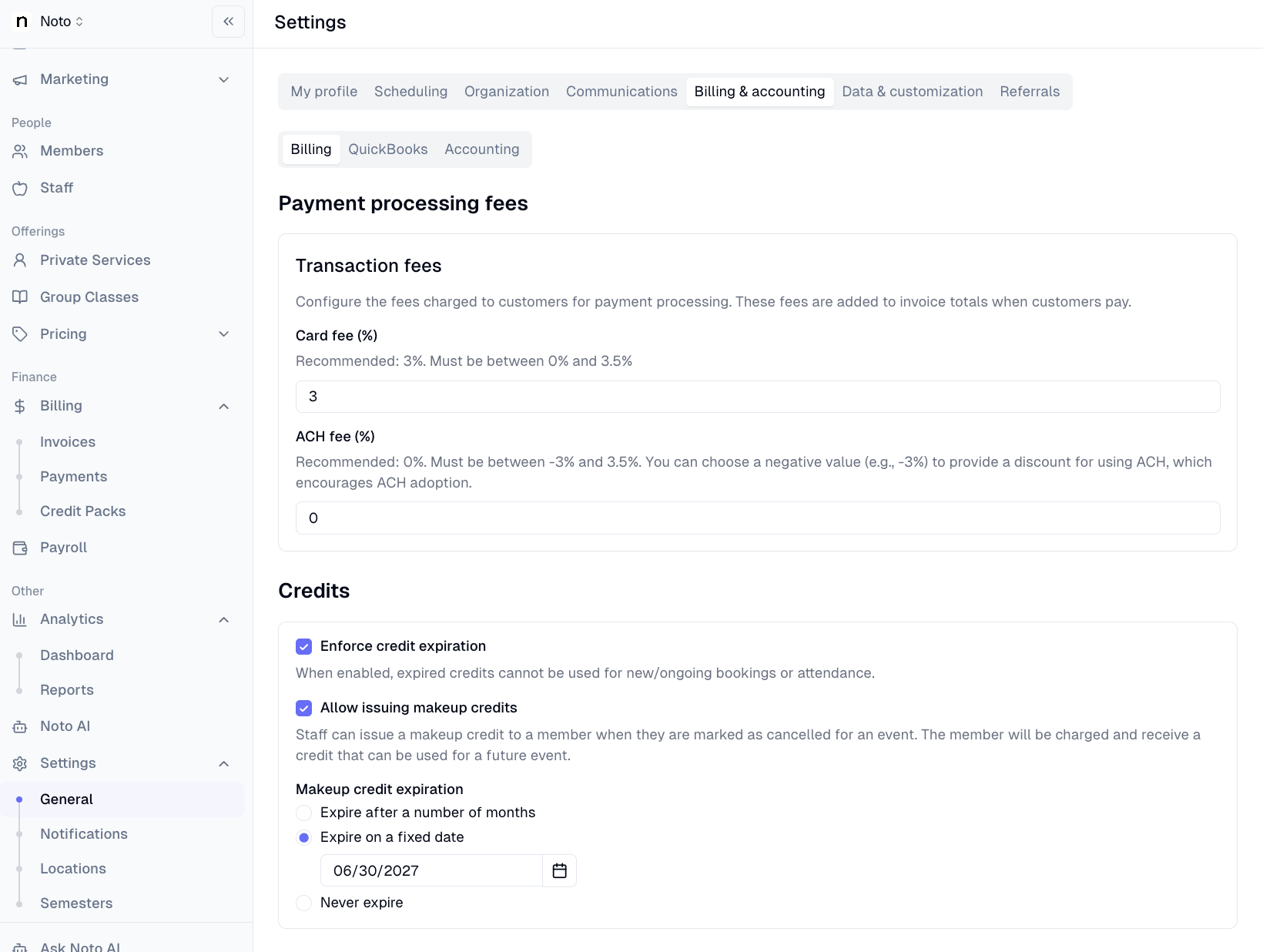
Makeup credits can expire on a specific date
Makeup credit expiration can now be set to a fixed calendar date, such as the last day of the semester, in addition to the existing option of expiring a set number of days after the credit is issued.
Where to find it: Settings → General → Billing & accounting
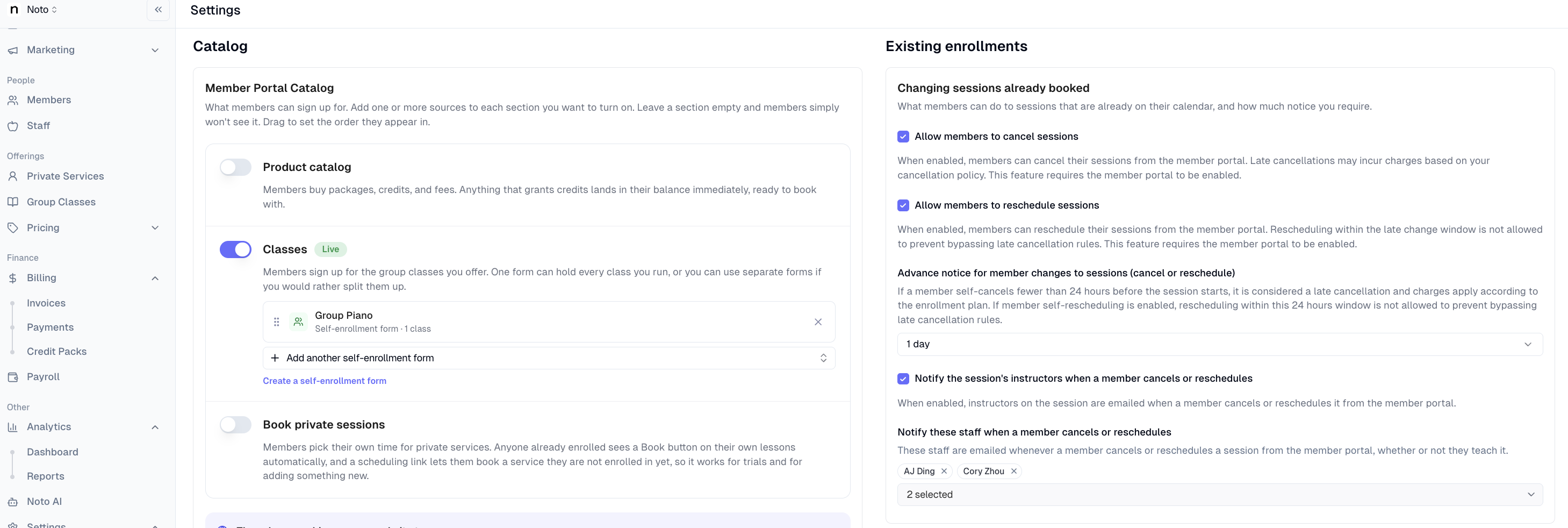
Get notified when a student cancels from the portal
When a student cancels or reschedules through the member portal, Noto can now notify the affected instructor and a list of admins you choose.
Where to find it: Settings → General → Member Portal
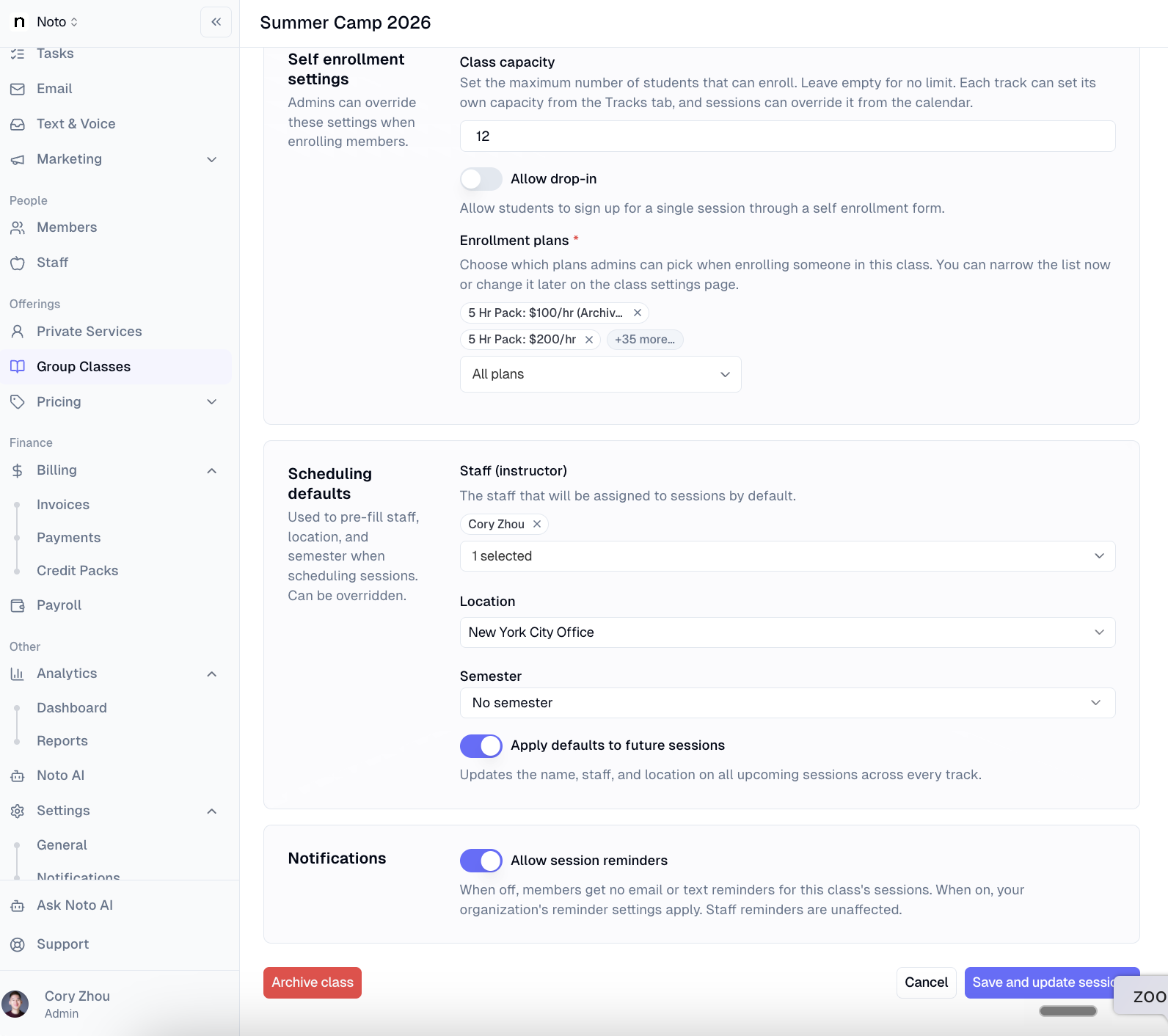
Turn off session reminders for specific classes
You can now turn off session reminder notifications for an individual class, which is useful for workshops or events where members are enrolled for calendar visibility but don't need reminders.
Where to find it: Services → select a group class → Notifications
Easier-to-read member notes
Notes on a member's profile are now collapsed by default, so long notes don't take over the page. Expand any note to read it in full, or search the text of all notes to find what you need.
Where to find it: Members → select a member → Notes
Billing improvements
Monthly pre-invoices can be created as drafts, so you can share upcoming charges with families and make adjustments before invoices go out. Finances → Invoices
Subscription plans can bill every X months, not just every month. Plans → select a subscription plan
Instructor names now appear on group class invoices, which helps when submitting invoices for scholarship programs.
Smaller improvements
New sessions now default to the enrollment's default duration instead of 60 minutes, on both desktop and mobile.
Enrollment confirmation emails for recurring sessions now summarize the schedule instead of listing every session.
Services on self-scheduling links are now listed alphabetically.
When a family adds a self-scheduled online session to their Google Calendar, the instructor's Zoom link is now included.
Low credit balance notifications now name the specific package that's running low.
A session's Activity panel now logs when members are added, including who added them and the class size at the time. Calendar → select a session → Activity